How to Colorize Sepia Vintage Photos with AI
Turn sepia-toned vintage prints into full-color images with AI — preserve historical detail on Old West scenes, faded portraits, and cracked archive scans.
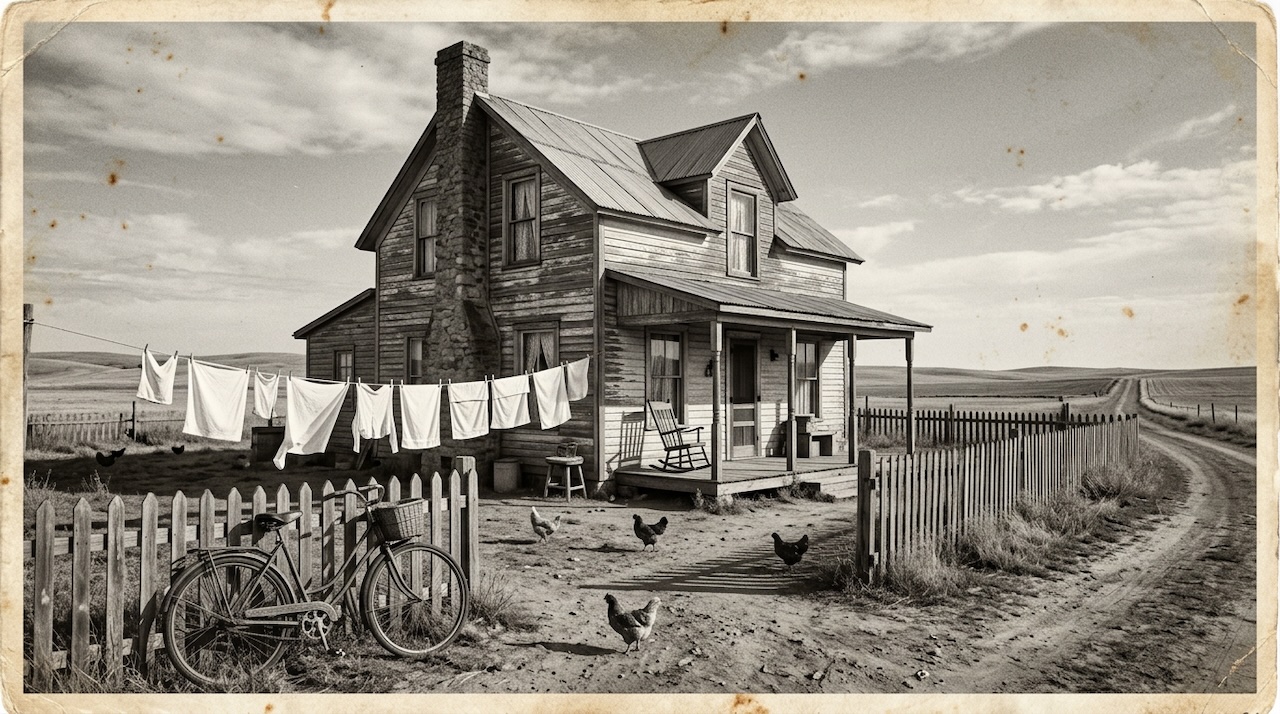 (opens in new tab)
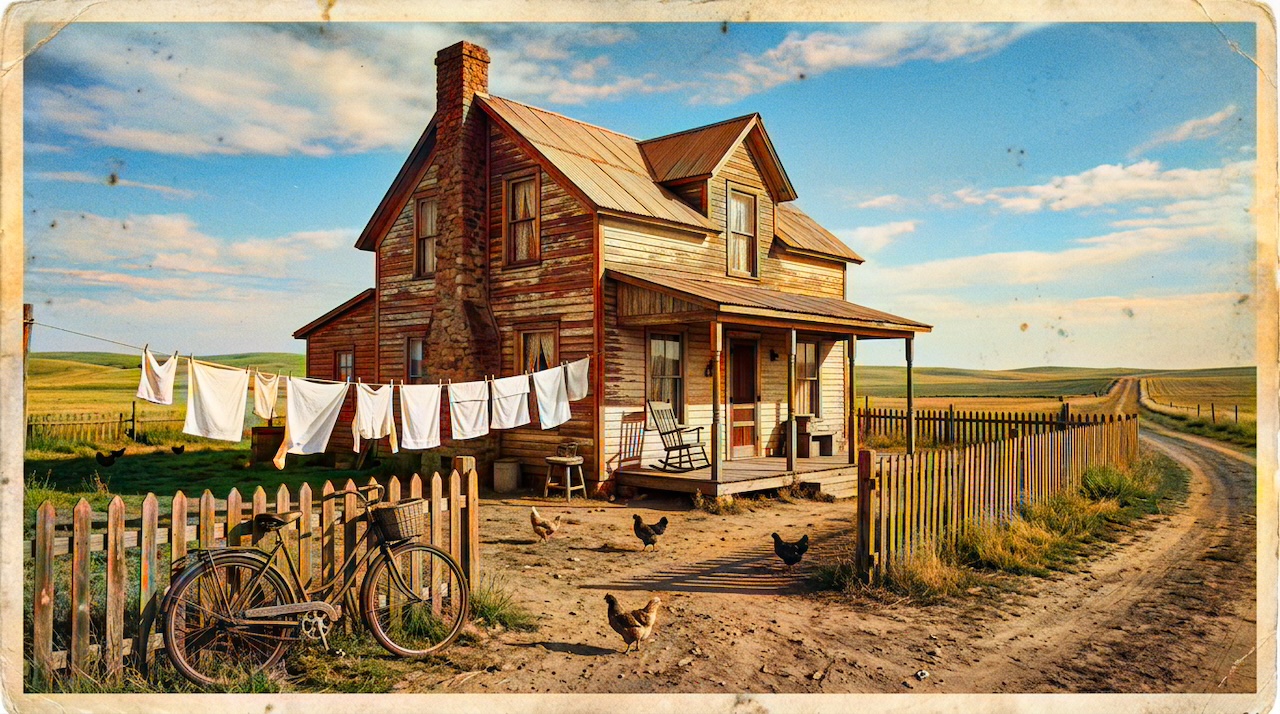 (opens in new tab)
Pixomax Studio result — Rustic farmhouse homestead. How to Colorize Sepia Vintage Photos with AI.
Click any image to open full size in a new tab.
Sepia vintage photographs — from Old West storefronts to Edwardian portraits — carry warmth that pure black and white lacks, but they still hide the colors history actually looked like. AI sepia photo colorization reconstructs plausible chrominance from aged monochrome scans without manual hand-painting.
Try Pixomax's professional-grade AI colorizer on your own sepia scan, or see View Pixomax Studio pricing and credit plans for archive-scale projects.
Why sepia prints colorize differently than B&W
Sepia toning adds a uniform warm cast. AI models trained on latent diffusion and DeOldify-class GAN pipelines extract luminance structure first, then predict color independently of the sepia overlay.
| Source type | Colorization challenge | Recommended model |
|---|---|---|
| Pure grayscale | Low — standard pipeline | Pixomax Large |
| Sepia toned | Medium — warm midtones | Pixomax Large |
| Yellowed/faded | High — restore contrast first | Large after basic edit |
| Cracked/damaged | High — inpaint before color | Large on cleaned scan |
Step-by-step: sepia to color workflow
- Scan at 600+ DPI — capture crack detail without over-sharpening
- Light restoration — crop torn edges, fix major creases in GIMP or Photopea
- Upload to Pixomax Studio — select the Large model
- Inspect earth tones — desert scenes need amber soil, sage green scrub, and natural sky gradients
- Archive both versions — keep sepia master and colorized derivative
For frontier and civic archives, read how to colorize black and white historical archives.
Frequently asked questions
Can AI colorize sepia photos instead of black and white?
Yes. Modern AI colorizers analyze luminance and structure regardless of sepia tinting. Try Pixomax's professional-grade AI colorizer handles sepia, yellowed, and pure grayscale sources.
Will colorization fix cracks and tears in sepia prints?
Colorization adds color but does not repair physical damage. Restore cracks and stains first, then colorize the cleaned scan.
What is the best AI tool for sepia historical photos?
Pixomax Studio's Large model handles sepia-toned archive scans with natural earth tones — compare it against other tools.
Should I remove sepia tone before colorizing?
No. Upload the scan as-is. Pre-converting to grayscale can lose shadow detail embedded in the sepia cast.
Related guides
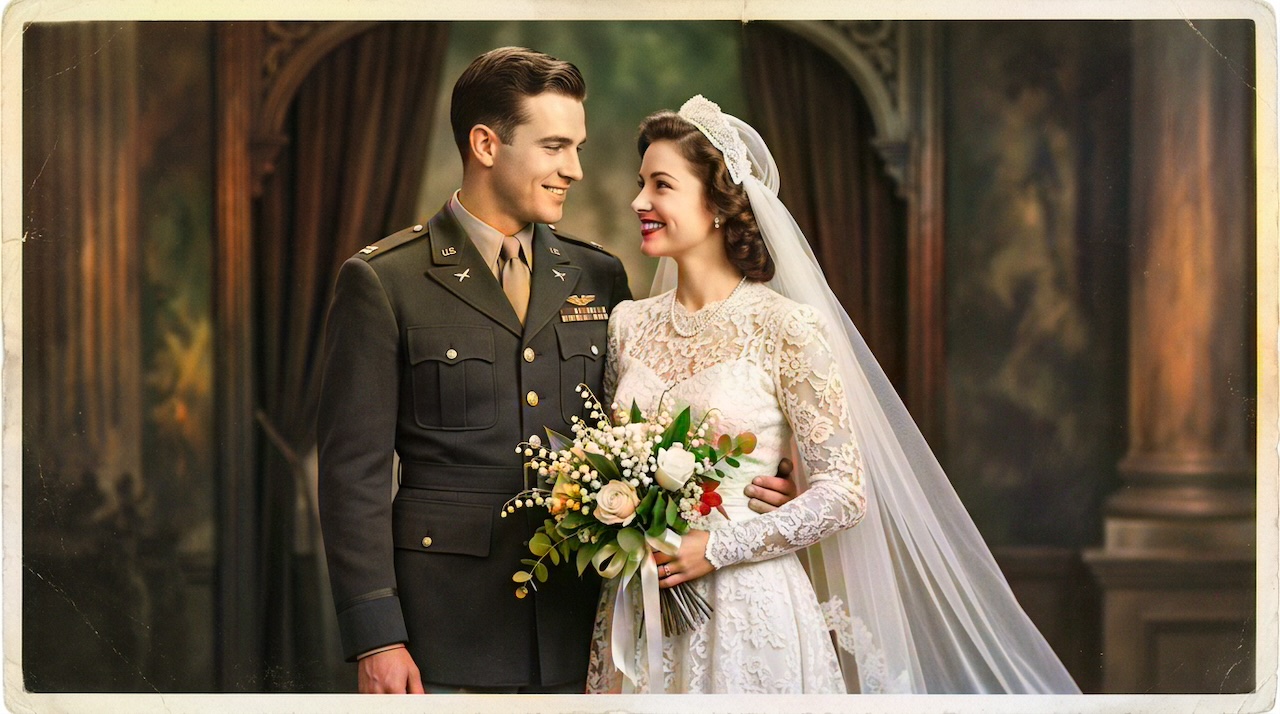 Military Portrait Colorization Guide: Uniforms, Insignia & Skin Tones
Colorize military portraits and uniform photos with AI — WWII, Korea, and Vietnam-era dress uniforms with natural wool tones and accurate facial color.
- WWII-Era Wedding Photo Colorization: Military Portraits & Bridal Gowns
Colorize WWII-era wedding photos featuring military dress uniforms and period bridal gowns — accurate skin tones, wool colors, and lace detail with AI.
 Living Portraits: Bringing Still Memories to Life with Pixomax AI Motion
Turn restored stills into living portraits — AI old photo restoration meets motion synthesis to repair damaged photos, enhance picture quality, and animate a gentle smile for sharing.
Compare tools in our AI photo colorizer comparison table or browse the colorization glossary.