Living Portraits: Bringing Still Memories to Life with Pixomax AI Motion
Turn restored stills into living portraits — AI old photo restoration meets motion synthesis to repair damaged photos, enhance picture quality, and animate a gentle smile for sharing.
The portrait hung above the piano for sixty years — a Republican-era studio still, eyes fixed on some photographer's mark. When Mei restored it, she did not want novelty. She wanted her father to blink once, the way he did when she played the wrong note and he tried not to laugh. AI old photo restoration gave her the clean master. Living Portraits gave her the breath. Together they repair damaged photos, enhance picture quality, and — when you are ready — translate still silver into motion gentle enough for a memorial slideshow.
 (opens in new tab)
 (opens in new tab)
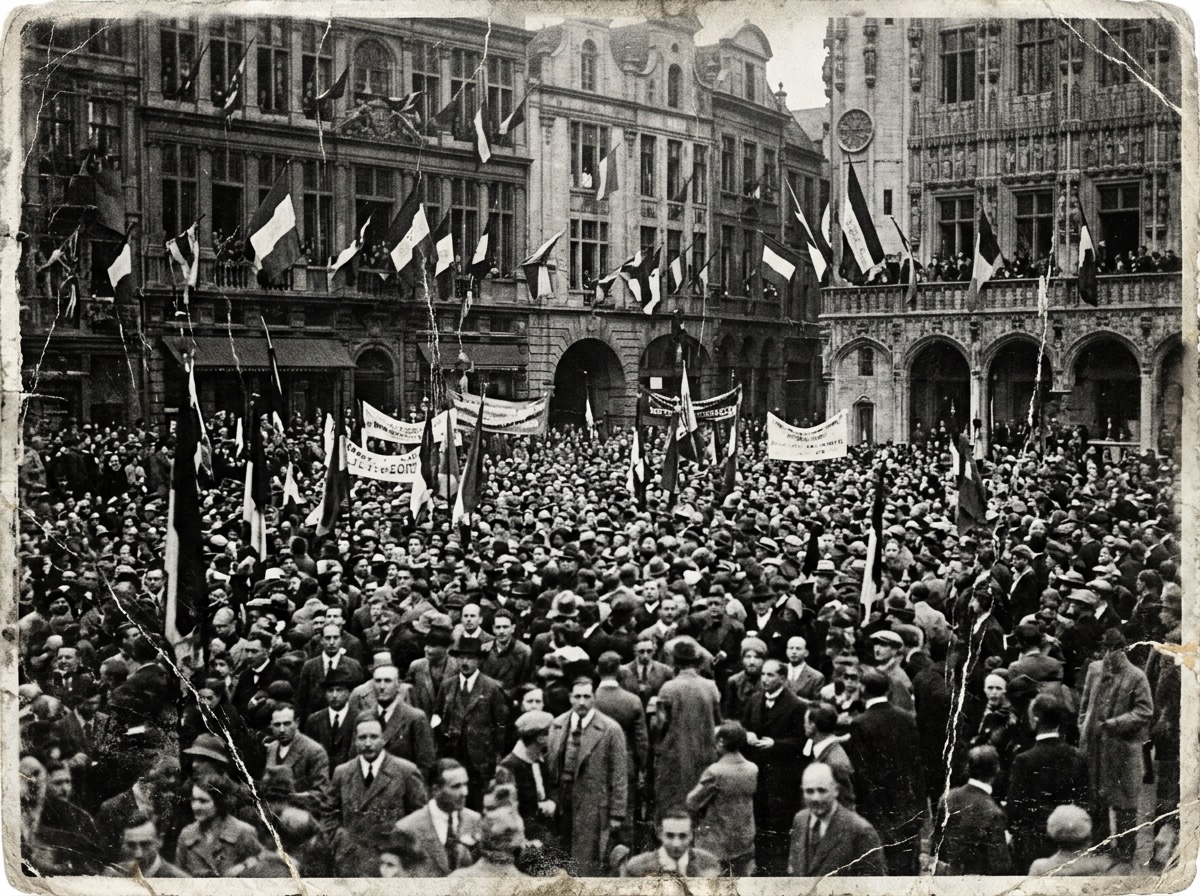
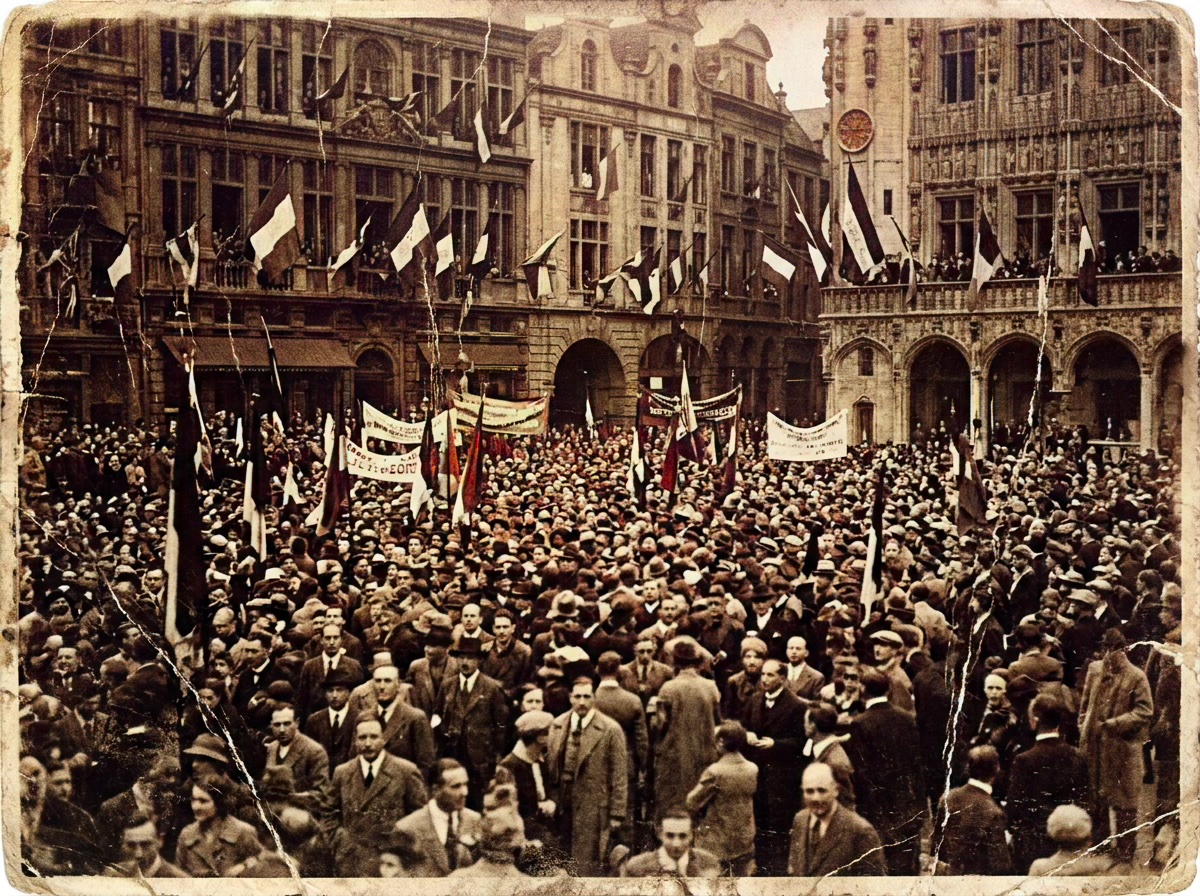
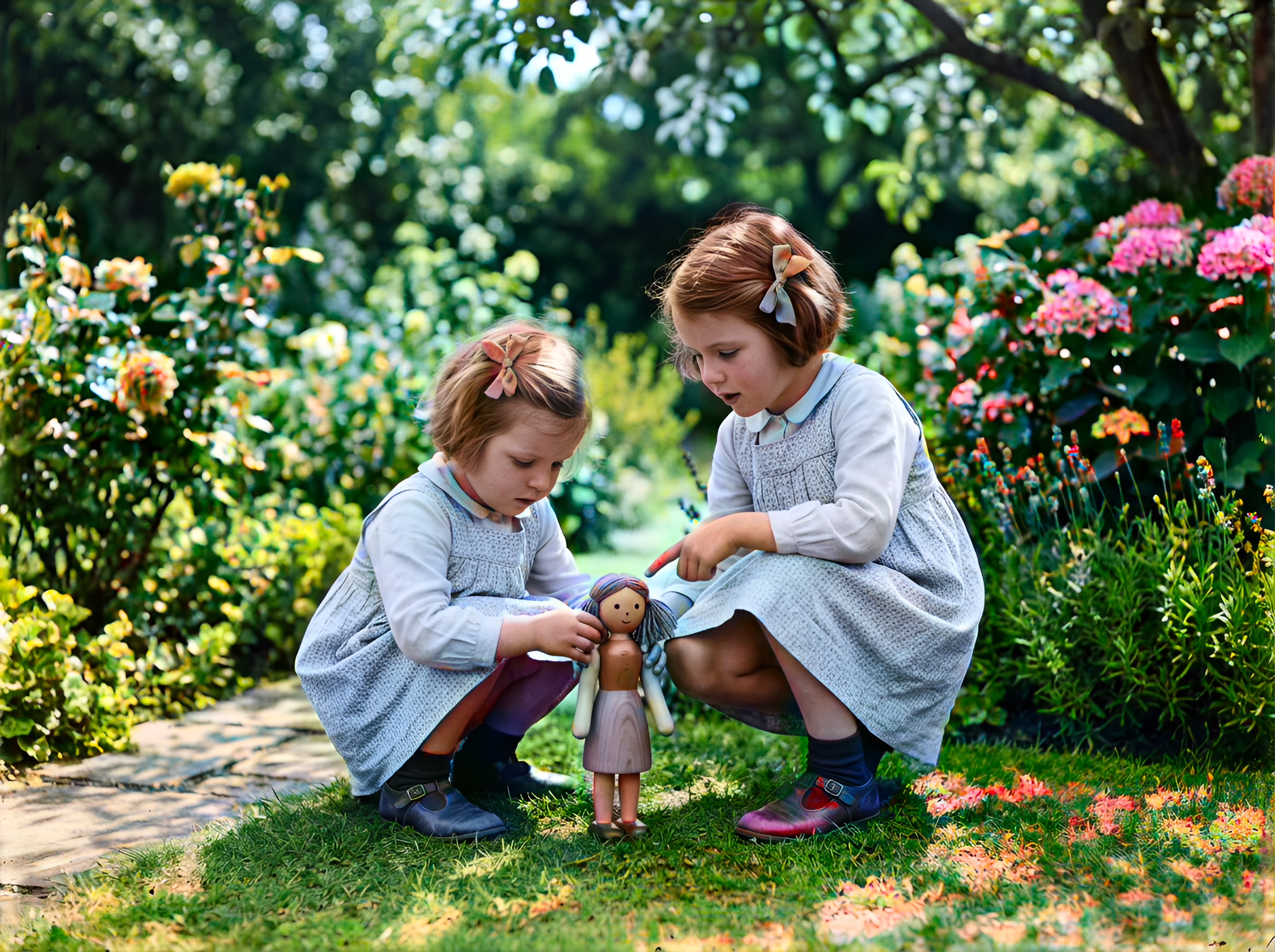
Still master (w-series) — restored and colorized before Living Portrait motion export. Motion adds subtle eye movement and micro-smile from this frame.
Click any image to open full size in a new tab.
From still to living: the pipeline
| Step | Tool | Output |
|---|---|---|
| 1. Scan | Flatbed 600+ DPI | PNG master |
| 2. Repair | Smart Damage Repair (+1) | Clean luminance |
| 3. Colorize | Large model | Period-accurate still |
| 4. Clarity | AI Clarity Boost (+2) | Trackable facial landmarks |
| 5. Motion | Living Portraits | MP4 / GIF export |
Motion models read landmarks — eye corners, lip contour, brow tension. Blurry inputs produce blurry souls. Always enhance picture quality before animate.
What motion should — and should not — do
Good living portraits:
- A held breath and soft exhale
- Eyes shifting focus slightly toward camera
- Micro-smile that matches the original expression
Avoid:
- Dramatic head turns the subject never made
- Open-mouth speaking loops on silent-era photos
- Cartoon blinks on memorial tributes
Pixomax motion defaults favor restraint — archaeology, not deepfake theatre.
The left side of memory: still vs. living
Imagine a split share card:
- Left: the grayscale w-series master — history frozen in emulsion
- Right: a four-second loop — the same face, colorized, eyes brightening as if recognizing a child in the doorway
That contrast drives engagement on Instagram and WeChat family groups without disrespecting the original print. Export both; let elders choose which version they keep on their phone lock screen.
Prepare historical scans for motion
Republican-era and early studio portraits often have:
- Heavy vignette — crop evenly before upload
- Chemical spotting — Smart Damage Repair mandatory
- Low micro-contrast — AI Clarity Boost before motion
Try Pixomax's professional-grade AI colorizer → repair → clarity → animate.
Related: beyond pixels neural grain guide for texture fidelity before motion.
Frequently asked questions
What are living portraits in AI photo restoration?
Subtle motion synthesis from a restored still — eyes, breath, micro-smile.
Do I need to restore a photo before animating it?
Always. Repair and colorize first — motion amplifies damage.
Is AI photo animation respectful for memorial tributes?
Family consent matters. Preview privately before public posts.
Can Pixomax enhance picture quality before creating motion?
AI Clarity Boost (+2) stabilizes landmarks for smoother loops.
Related guides
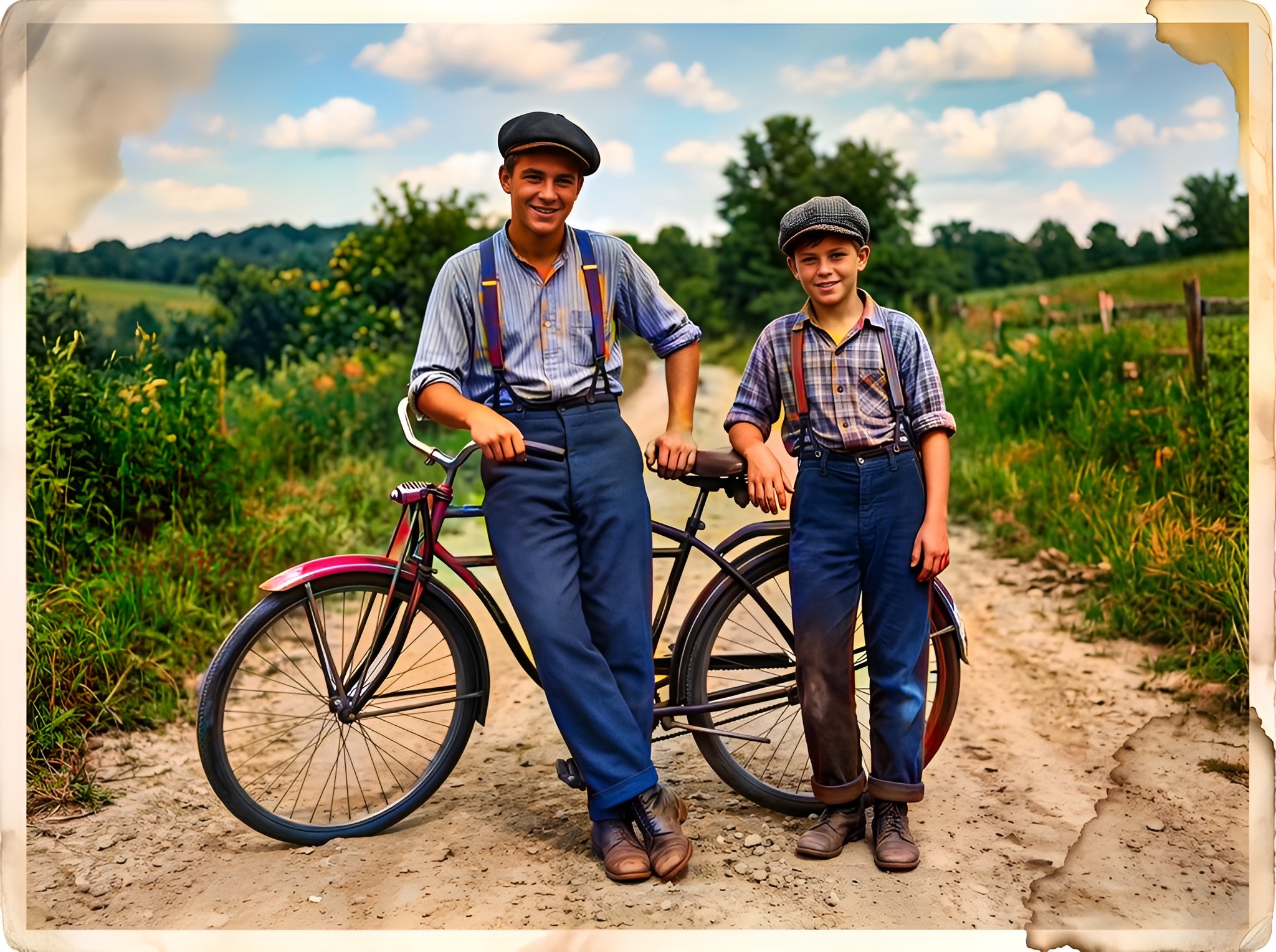 Effortless Archiving: Batch Restoring Your Entire Family Album in Minutes
Batch AI old photo restoration for collectors and studios — repair damaged photos across hundreds of scans and enhance picture quality at 10 seconds per frame vs. 2 hours manual retouching.
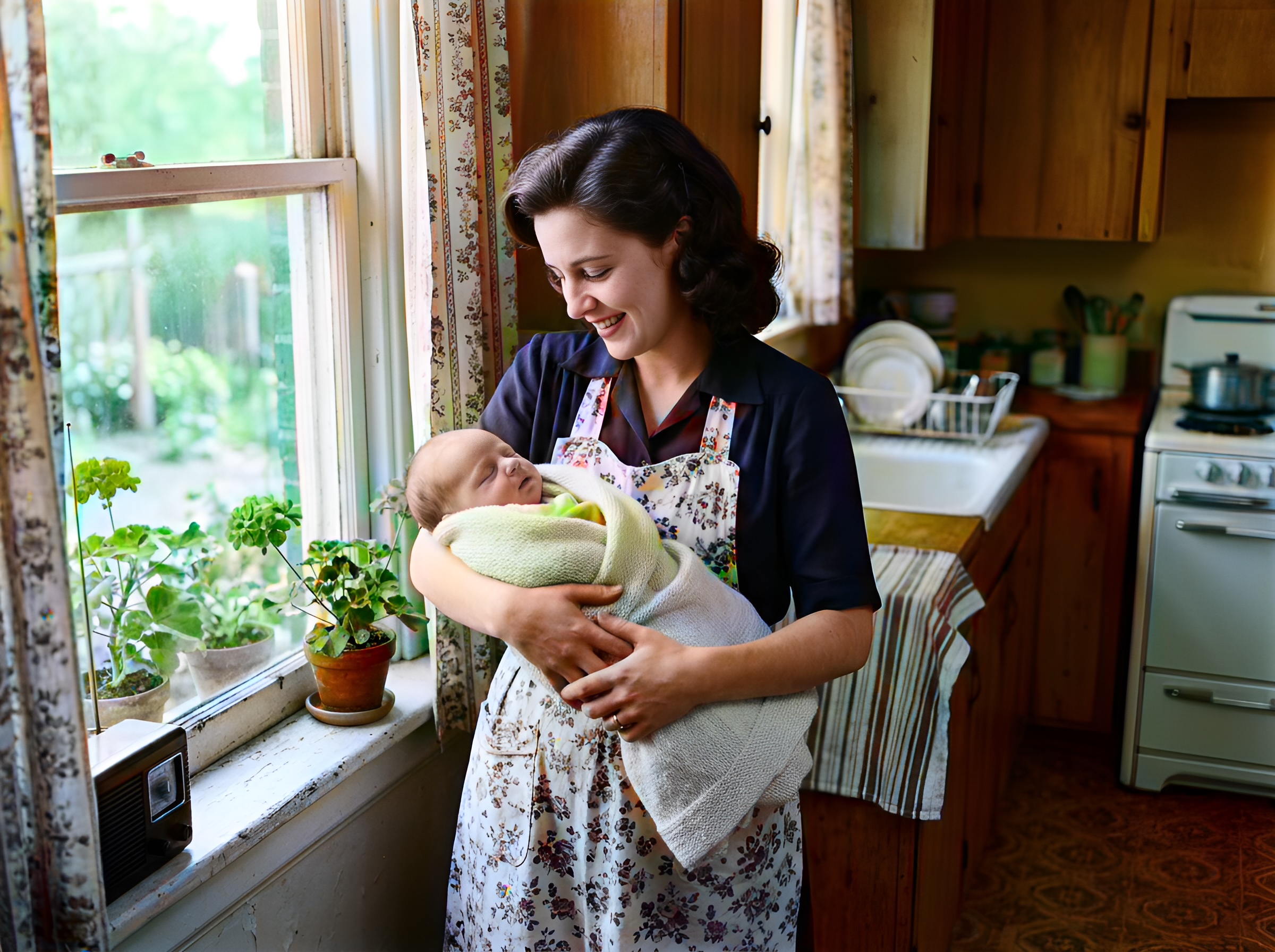 In the Age of AI, Who Owns Your Family Memories? Our Privacy 3.0 Manifest
AI old photo restoration without surrendering your archive — Pixomax Privacy 3.0 explains encryption, zero training retention, and why we never repair damaged photos to feed public models.
 Mission Impossible: Can AI Fix Water-Damaged and Torn Photos?
Water stains, mold spots, and torn emulsion — extreme AI old photo restoration limits tested. Repair damaged photos with Pixomax Smart Damage Repair and enhance picture quality when half the face is gone.
Compare tools in our AI photo colorizer comparison table or browse the colorization glossary.