Colorize Wedding Photos with AI: A Complete Black & White Guide
Colorize black and white wedding photos with AI — lace dresses, military uniforms, bouquets, and skin tones restored for heirloom wedding albums.
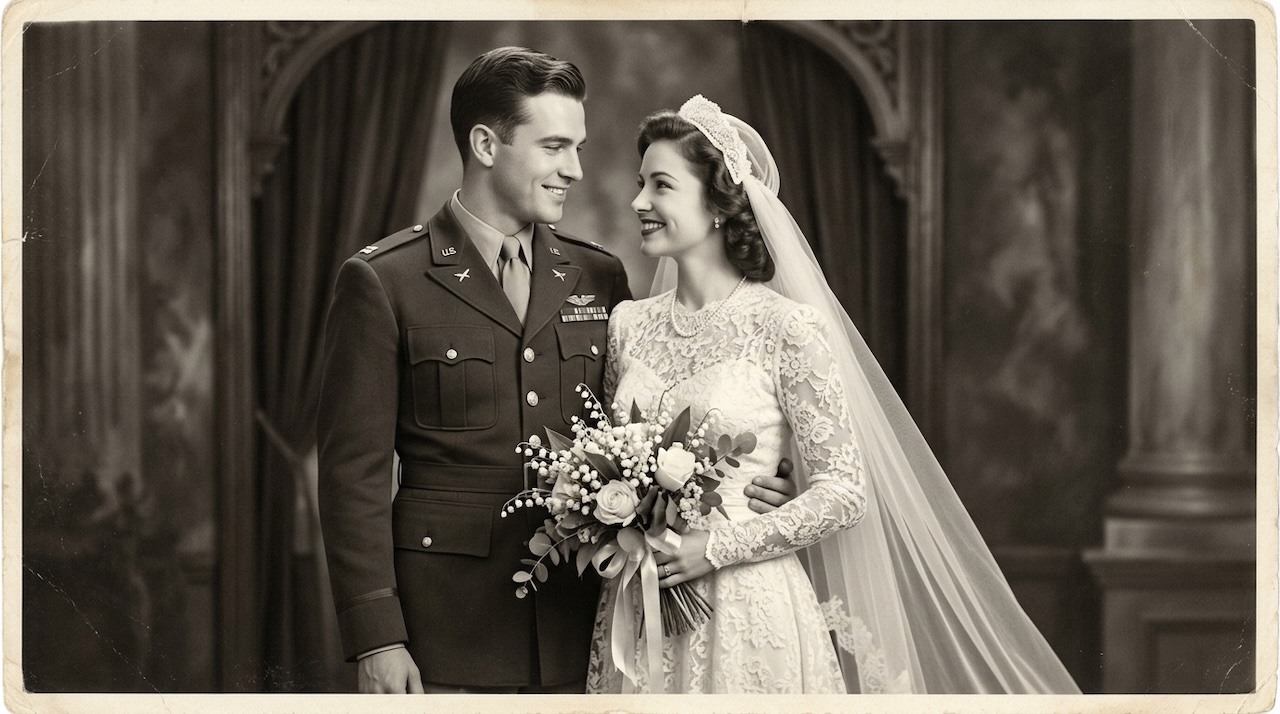 (opens in new tab)
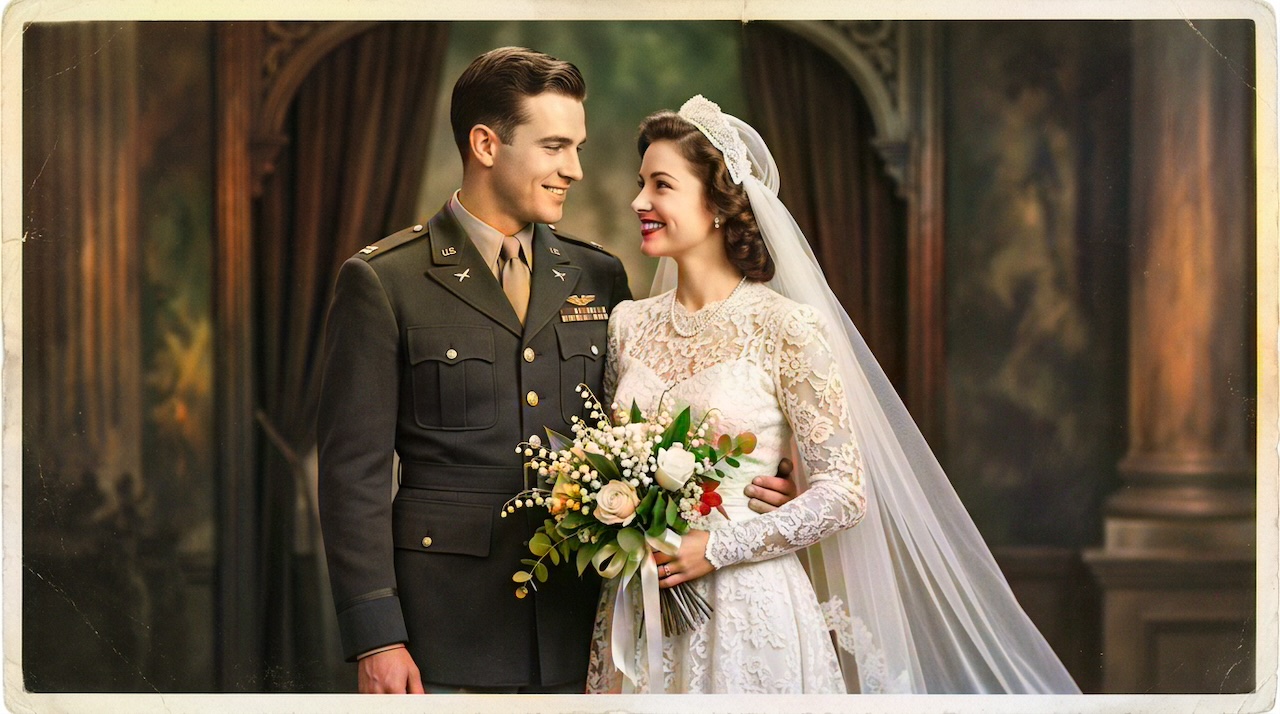 (opens in new tab)
Pixomax Studio result — WWII military wedding portrait. Colorize Wedding Photos with AI: A Complete Black & White Guide.
Click any image to open full size in a new tab.
Colorizing wedding photos demands precision — ivory lace, wool military dress uniforms, white roses, and the subtle warmth of skin on the most documented day of a family's history. Generic colorizers flatten these details; a portrait-tuned AI pipeline preserves them.
Try Pixomax's professional-grade AI colorizer on your wedding scan, or View Pixomax Studio pricing and credit plans for full album batches.
Wedding-specific colorization checklist
| Detail | What to verify |
|---|---|
| Bride skin | Warm, dimensional — not orange |
| Lace / veil | Ivory-white, edge sharp |
| Military uniform | Period wool tone, insignia readable |
| Bouquet | Natural floral whites and greens |
| Background drapes | Cohesive, not muddy |
Read AI skin tone restoration for old portraits for facial QC detail.
Frequently asked questions
Can AI colorize wedding dress lace accurately?
Large models preserve lace structure. Try Pixomax's professional-grade AI colorizer with full-zoom inspection before download.
How do I colorize military wedding uniforms correctly?
AI reconstructs period tones — cross-reference for museum displays; perfect for family heirloom albums.
Best AI colorizer for vintage wedding albums?
Pixomax Studio Large + batch mode. See View Pixomax Studio pricing and credit plans.
Should wedding photos be restored before colorizing?
Always restore scratches on faces and gown first.
Related guides
- Military Portrait Colorization Guide: Uniforms, Insignia & Skin Tones
Colorize military portraits and uniform photos with AI — WWII, Korea, and Vietnam-era dress uniforms with natural wool tones and accurate facial color.
- WWII-Era Wedding Photo Colorization: Military Portraits & Bridal Gowns
Colorize WWII-era wedding photos featuring military dress uniforms and period bridal gowns — accurate skin tones, wool colors, and lace detail with AI.
 Living Portraits: Bringing Still Memories to Life with Pixomax AI Motion
Turn restored stills into living portraits — AI old photo restoration meets motion synthesis to repair damaged photos, enhance picture quality, and animate a gentle smile for sharing.
Compare tools in our AI photo colorizer comparison table or browse the colorization glossary.