Vintage Summer Photo Colorization: Bring Mid-Century Memories to Color
Colorize vintage summer photos from the 1940s–1960s — picnics, beaches, and backyard gatherings — with AI tuned for natural skin tones and outdoor lighting.
 (opens in new tab)
 (opens in new tab)
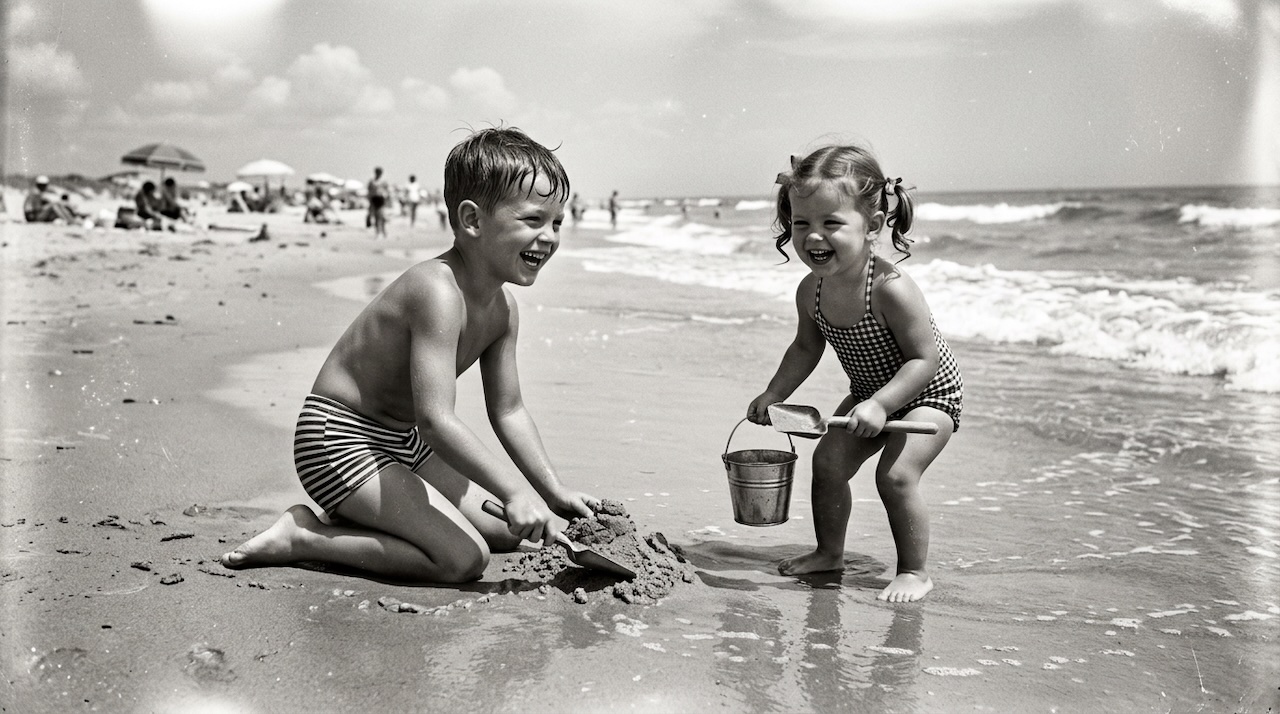
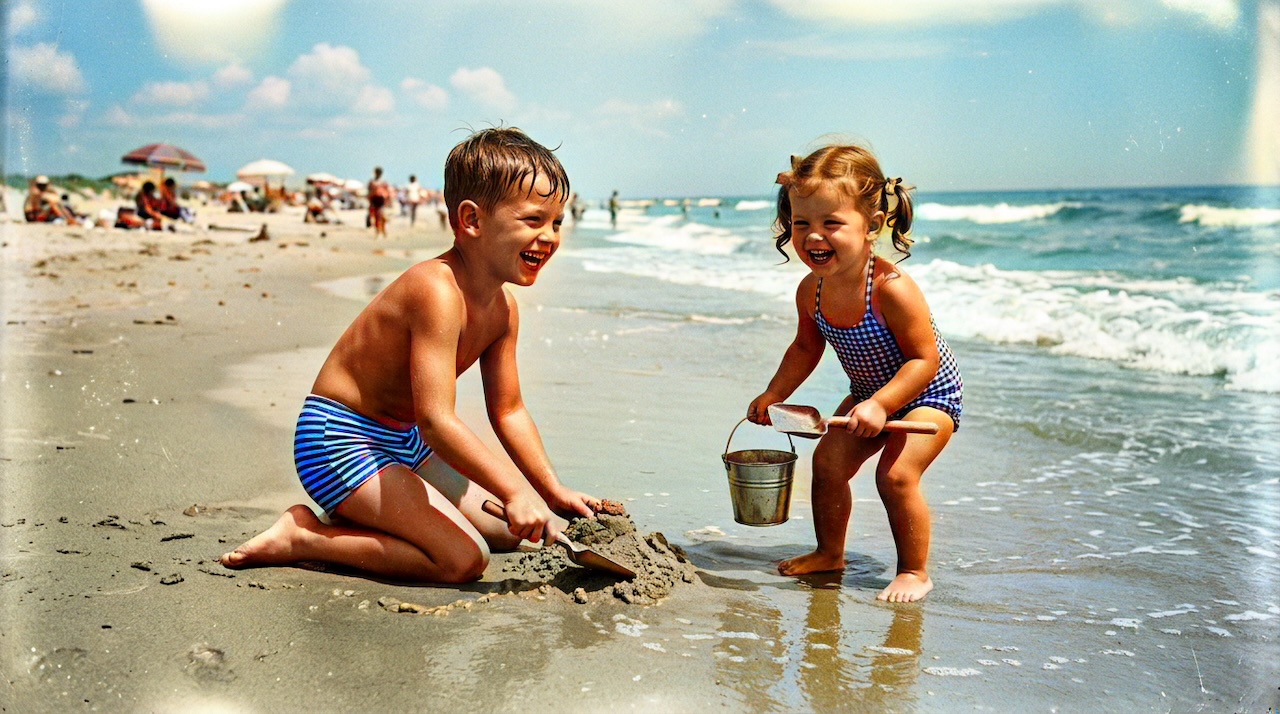
Pixomax Studio result — 1950s beach childhood. Vintage Summer Photo Colorization: Bring Mid-Century Memories to Color.
Click any image to open full size in a new tab.
Mid-century vintage summer photo colorization turns faded snapshots of beaches, picnics, and backyard play into images that feel immediate again. Sunlit faces, cool ocean water, and bright swimwear all depend on an AI model that understands outdoor lighting.
Outdoor lighting and colorization
Summer scans often have high contrast — deep shadows under hats, bright shoulders, blown sky edges. AI models trained on diverse outdoor datasets (including Stable Diffusion outdoor finetunes) handle this better than early DeOldify versions on sunlit scenes.
| Scene type | Priority check |
|---|---|
| Beach | Ocean-sky color harmony |
| Backyard picnic | Skin + foliage + food tones |
| Pool / lake | Reflective water highlights |
| Group shots | Consistent skin across faces |
Album-scale summer projects
Digitized vacation albums often contain 30–80 frames. Pixomax Studio batch processing for historical archives applies the same pipeline to every scan — no per-image manual tuning.
See how to colorize old photos with AI for the complete single-image workflow.
Frequently asked questions
What is the best way to colorize vintage outdoor summer photos?
600 DPI scan + Pixomax Studio Large model + before/after inspection at full zoom.
Do vintage summer photos need special AI settings?
Use Large for finals; Tiny only for quick previews. See View Pixomax Studio pricing and credit plans for credit planning.
Can I batch colorize a whole summer vacation album?
Yes — batch folder upload with ZIP download on Pixomax Studio.
How accurate are AI colors for historical summer scenes?
Educated reconstructions ideal for family albums; document AI origin for academic archives.
Related guides
 How to Restore Family Photos for Free: A Step-by-Step Guide
Learn how to restore family photos for free — scan vintage prints, fix common damage, and colorize black and white memories using free AI tools like Pixomax Studio.
 How to Colorize Old Photos with AI: A Complete Guide
Learn how to colorize black and white family photos using AI — from scanning vintage prints to downloading natural, lifelike color results with Pixomax Studio.
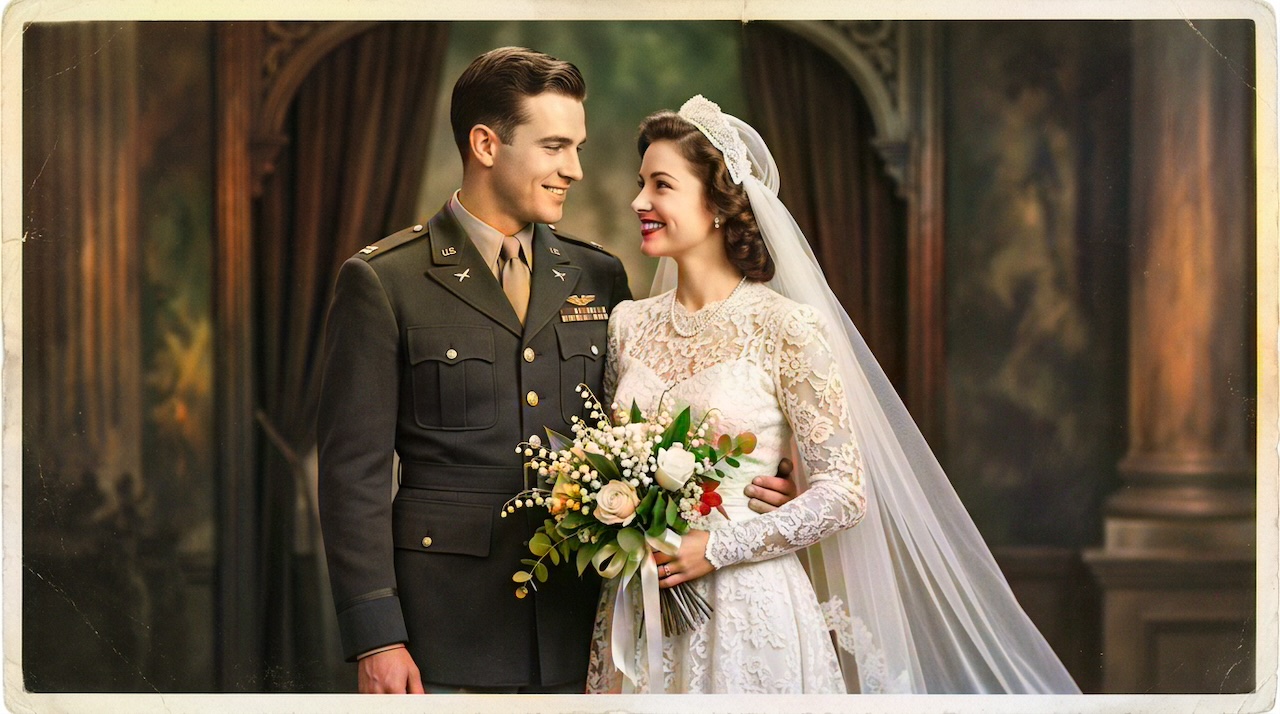 Military Portrait Colorization Guide: Uniforms, Insignia & Skin Tones
Colorize military portraits and uniform photos with AI — WWII, Korea, and Vietnam-era dress uniforms with natural wool tones and accurate facial color.
Compare tools in our AI photo colorizer comparison table or browse the colorization glossary.