Effortless Archiving: Batch Restoring Your Entire Family Album in Minutes
Batch AI old photo restoration for collectors and studios — repair damaged photos across hundreds of scans and enhance picture quality at 10 seconds per frame vs. 2 hours manual retouching.
Your cousin mailed three shoeboxes and a prayer: "Mom wants the whole album by Christmas." Two hundred prints. Faded, scratched, smelling faintly of attic cedar. Manual retouching at two hours per frame is seventy-five forty-hour weeks — a non-starter. Modern AI old photo restoration batch pipelines exist precisely for this moment: repair damaged photos at scale, enhance picture quality with consistent color science, and deliver a unified digital archive before the holiday slideshow. That is not lazy archiving. It is how 2026 families finish what shoeboxes started.
 (opens in new tab)
 (opens in new tab)
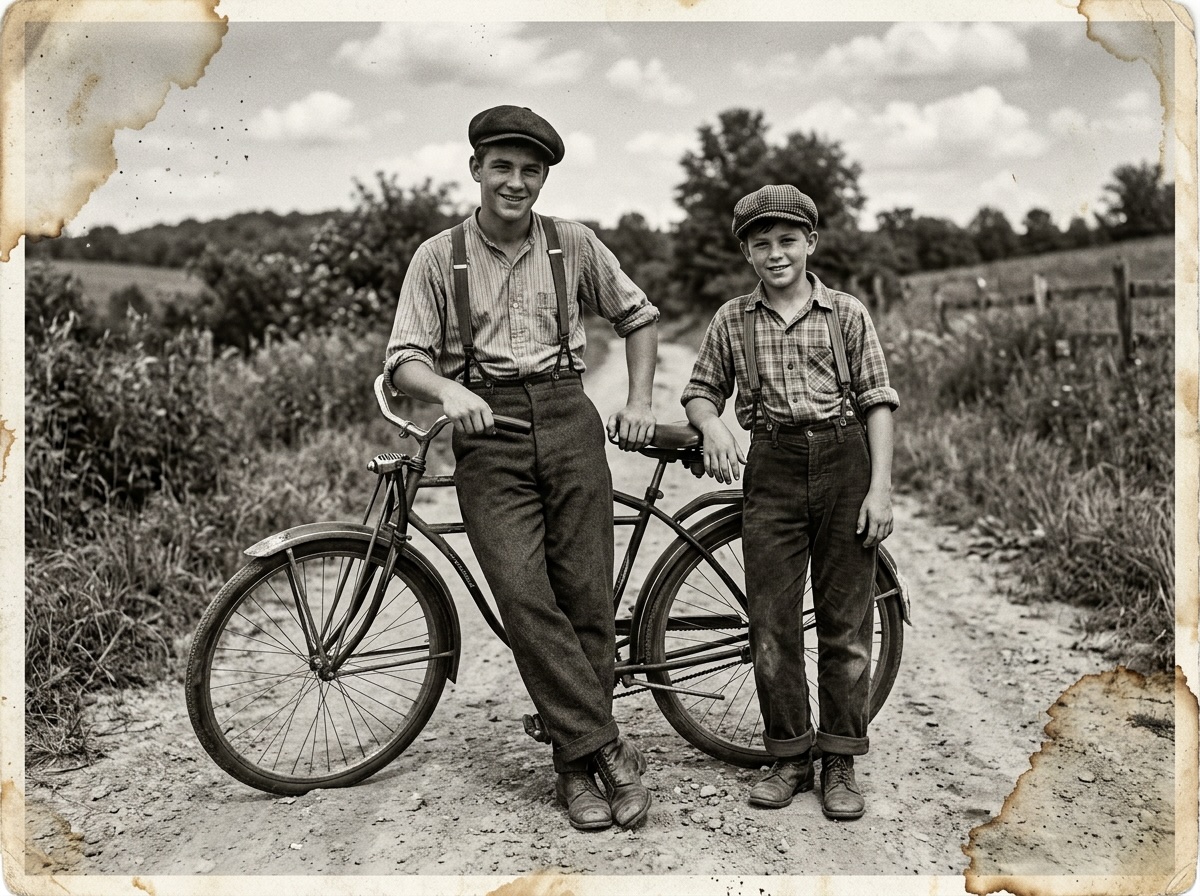
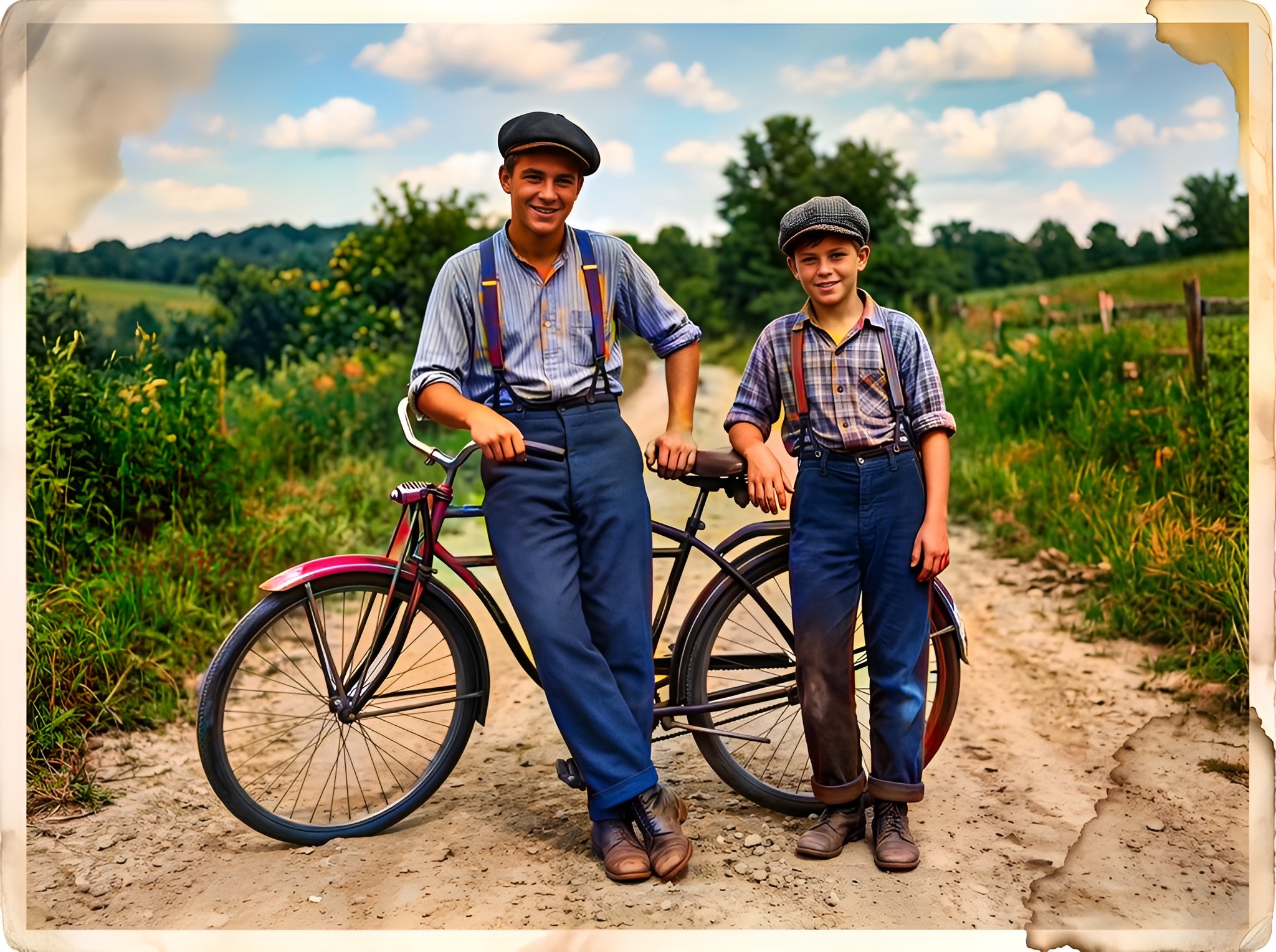
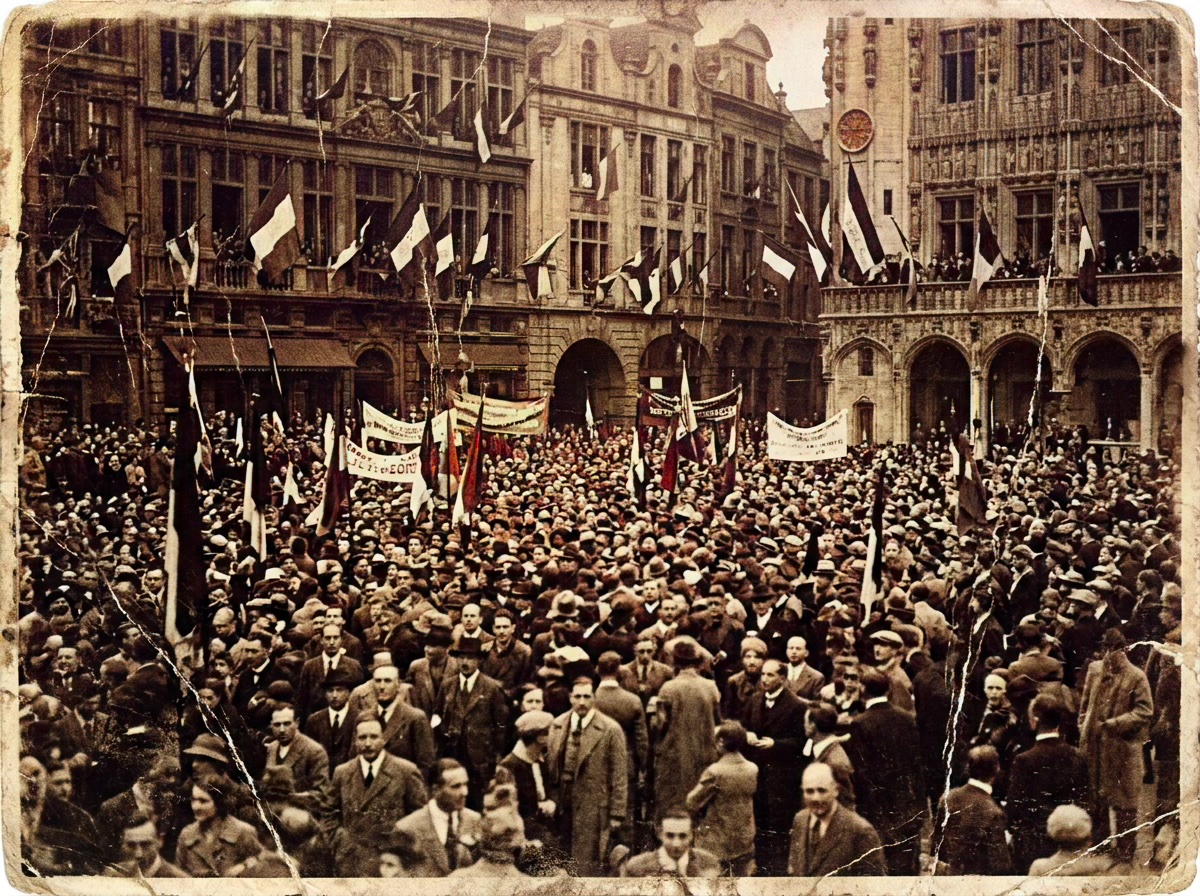
Album batch restoration — scattered faded scans before; unified colorized digital archive after Pixomax batch processing.
Click any image to open full size in a new tab.
Manual vs. Pixomax: the efficiency gap
| Task | Manual (Photoshop) | Pixomax batch |
|---|---|---|
| Dust and scratch removal | 20–40 min | Smart Damage Repair (+1 credit) |
| Colorization | 30–60 min | Large model ~10 sec |
| Skin tone consistency | Per-image curves | Model-stable across queue |
| 100-photo album | ~150+ hours | Hours incl. QC |
| Export organization | Manual naming | ZIP download |
Studios billing hourly cannot justify hand-painting every speck on a $299 album package. Collectors shouldn't have to.
Batch workflow that survives quality control
- Consistent scan — same DPI, color mode, flatbed warmup
- Folder taxonomy —
/1940s-wedding/,/1960s-picnic/ - Batch upload — Pixomax Studio batch processing for historical archives
- Sample QC — one portrait, one outdoor, one damaged per decade
- Selective Clarity Boost — hero frames only (+2 credits each)
- Catalog merge — spreadsheet + PNG hashes for provenance
Read the full batch colorize family photo album guide.
Credit planning at archive scale
| Album profile | Base | +Repair (+1 ea.) | +Clarity (+2 ea.) |
|---|---|---|---|
| Clean studio scans | 1× photos | Optional | 5–10 hero frames |
| Shoebox wear | 1× photos | Recommended all | Hero frames |
| Flood survivors | 1× photos | Required all | Case-by-case |
View Pixomax Studio pricing and credit plans for subscription tiers on 500+ frame society archives.
 (opens in new tab)
 (opens in new tab)
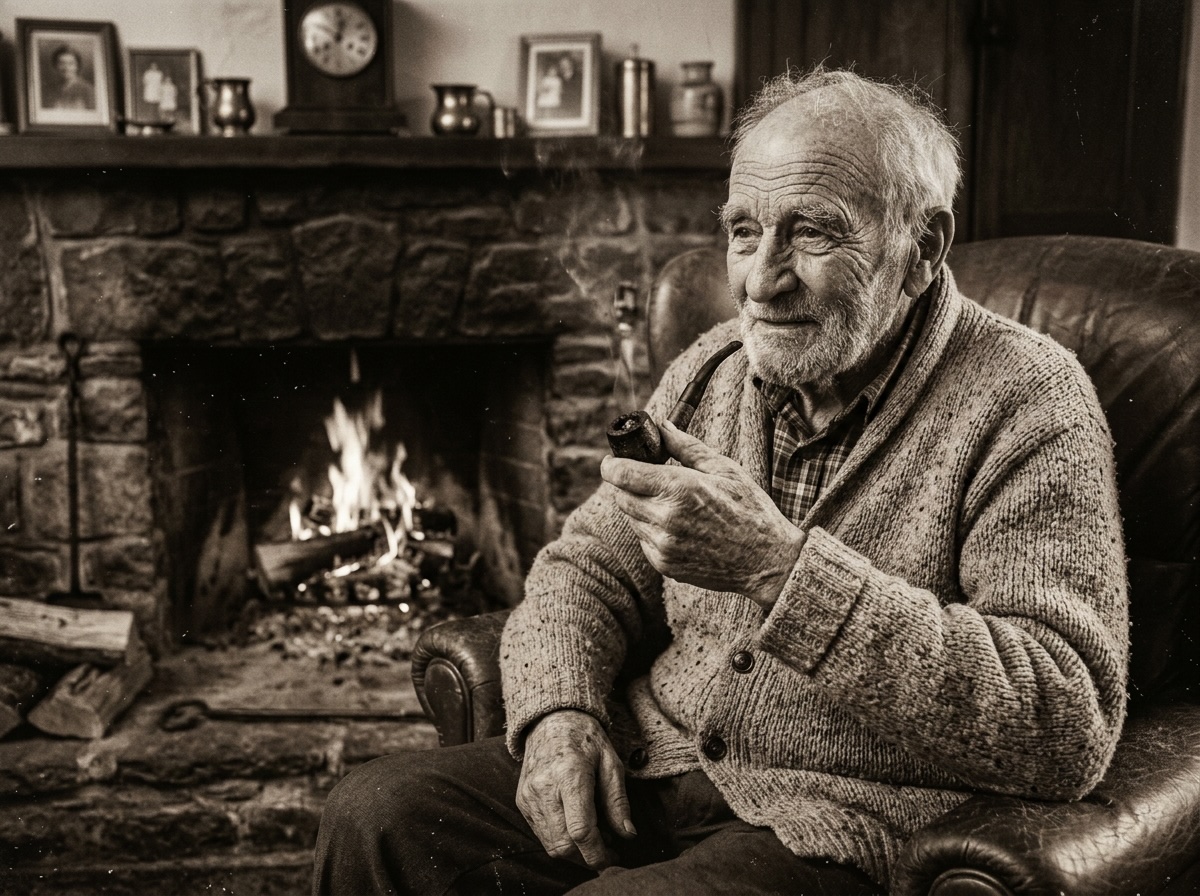
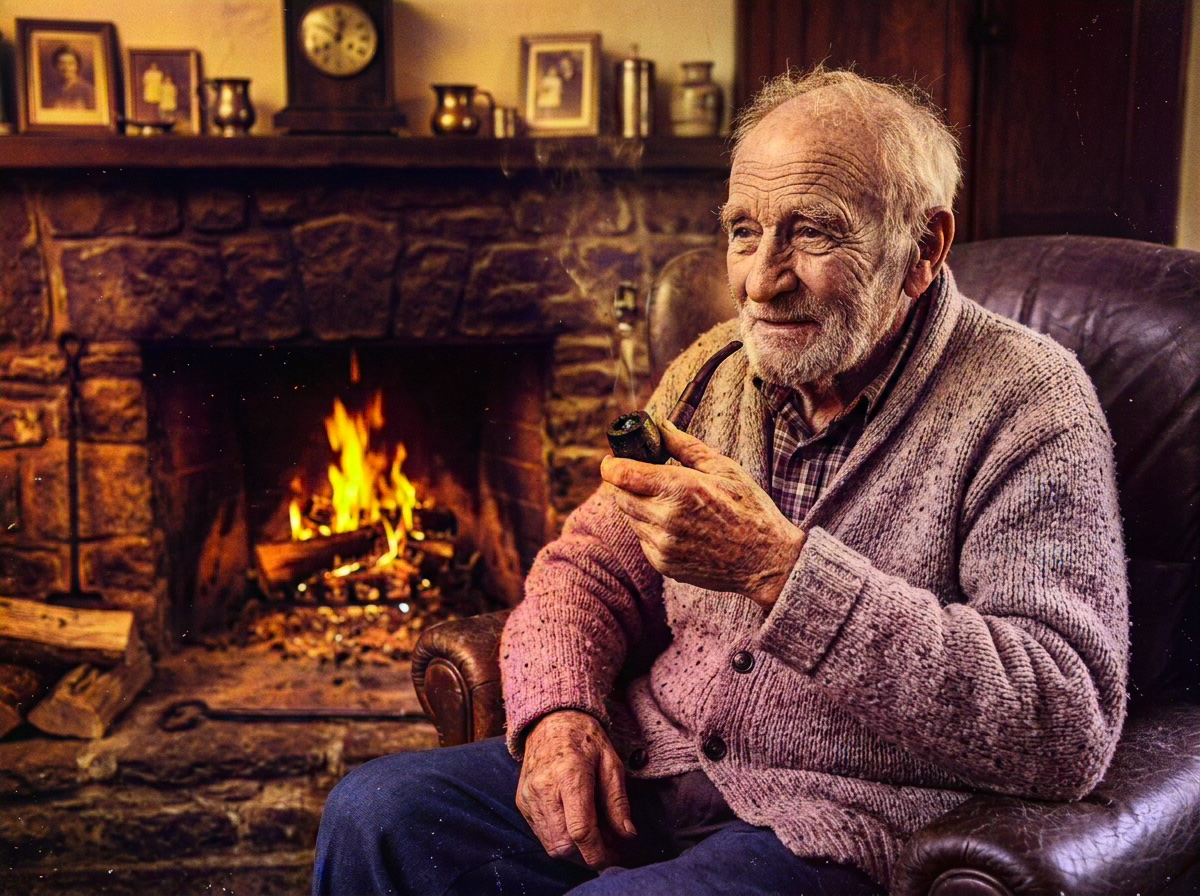
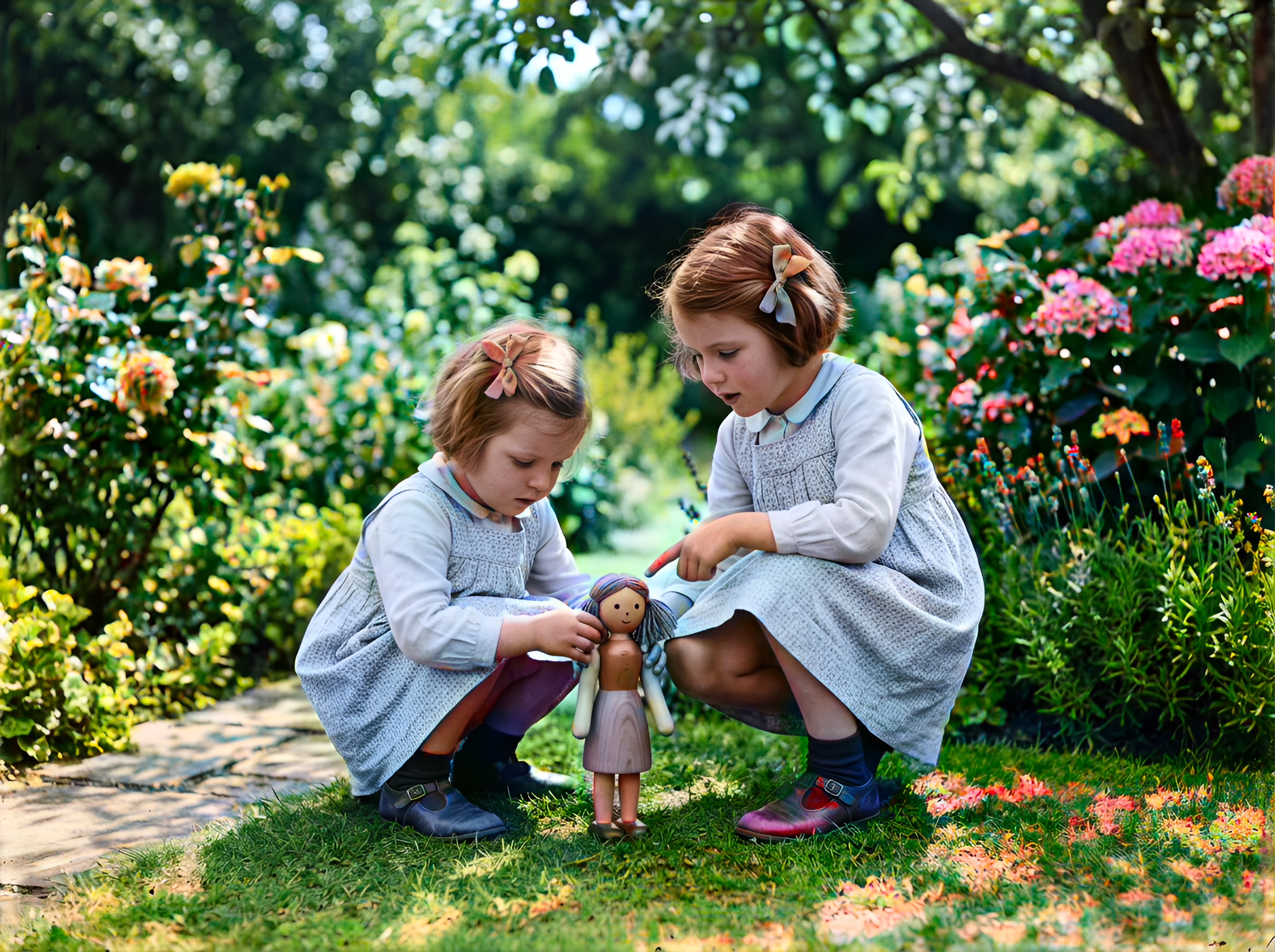
Genealogy batch sample — g-series multi-relative portrait normalized in a bulk queue.
Click any image to open full size in a new tab.
Frequently asked questions
How fast is Pixomax batch restoration vs manual Photoshop?
~10 seconds per frame vs. 1–2 hours manual for damaged prints.
Can I repair damaged photos in bulk automatically?
Enable Smart Damage Repair on batch upload (+1 credit per image).
Does batch mode reduce enhancement quality?
Same Large pipeline — batch is workflow only.
How many photos can I enhance picture quality on in one session?
Folder-scale — plan credits at View Pixomax Studio pricing and credit plans.
Related guides
 Living Portraits: Bringing Still Memories to Life with Pixomax AI Motion
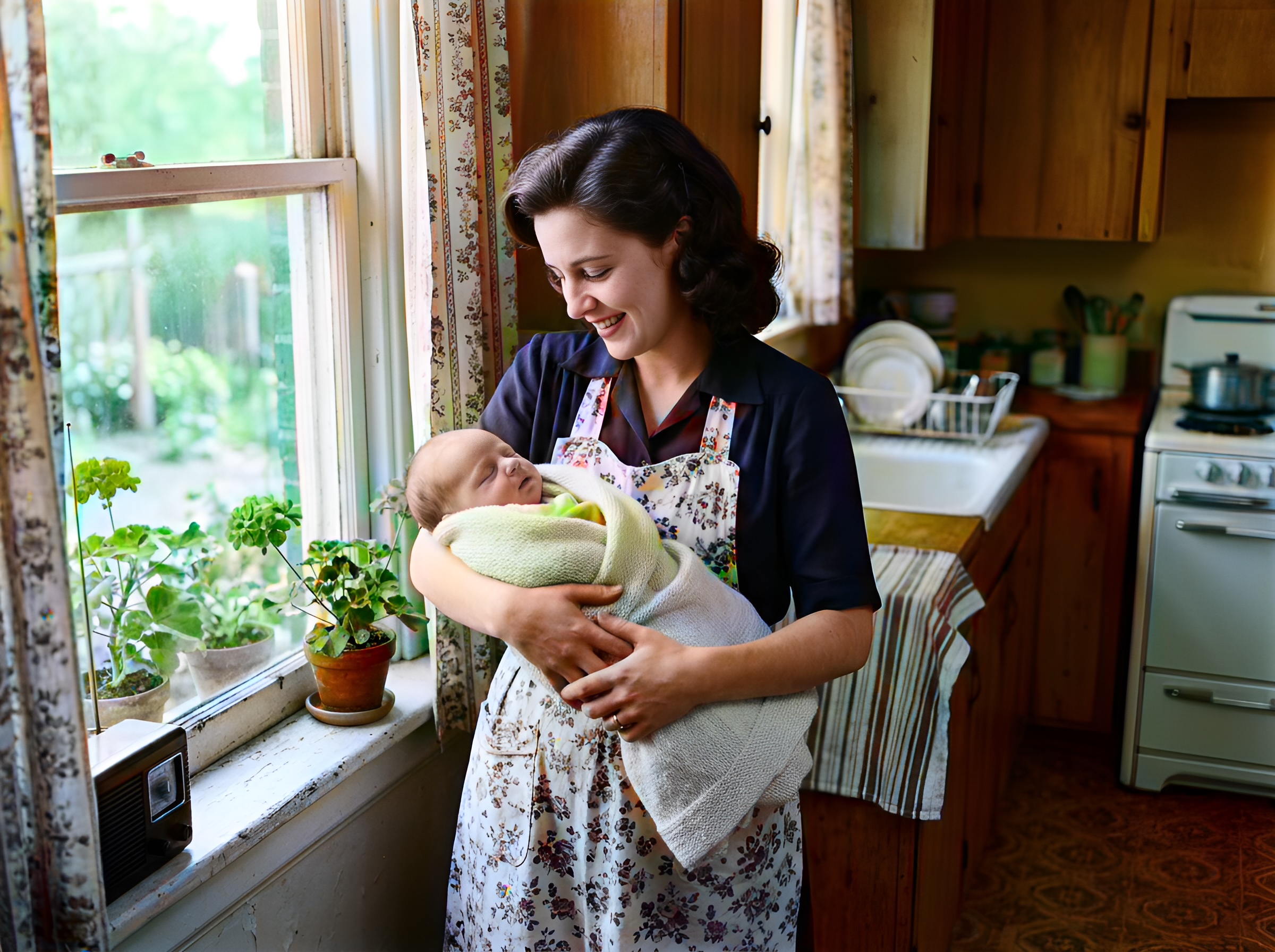
Turn restored stills into living portraits — AI old photo restoration meets motion synthesis to repair damaged photos, enhance picture quality, and animate a gentle smile for sharing.
 In the Age of AI, Who Owns Your Family Memories? Our Privacy 3.0 Manifest
AI old photo restoration without surrendering your archive — Pixomax Privacy 3.0 explains encryption, zero training retention, and why we never repair damaged photos to feed public models.
 Mission Impossible: Can AI Fix Water-Damaged and Torn Photos?
Water stains, mold spots, and torn emulsion — extreme AI old photo restoration limits tested. Repair damaged photos with Pixomax Smart Damage Repair and enhance picture quality when half the face is gone.
Compare tools in our AI photo colorizer comparison table or browse the colorization glossary.