Mission Impossible: Can AI Fix Water-Damaged and Torn Photos?
Water stains, mold spots, and torn emulsion — extreme AI old photo restoration limits tested. Repair damaged photos with Pixomax Smart Damage Repair and enhance picture quality when half the face is gone.
The basement flood took the album, but not before your aunt dried one page on a radiator — leaving a portrait speckled white with mold, a water line across the eyes, and a tear that ate through the groom's lapel. You have heard AI old photo restoration dismissed as magic for Instagram. Here is the honest truth: some damage is beyond any algorithm. But between "impossible" and "perfect" lies a wide frontier where you can repair damaged photos with generative inference — and enhance picture quality on what survival allows. That frontier is where Pixomax Smart Damage Repair and generative outpainting operate.
 (opens in new tab)
 (opens in new tab)
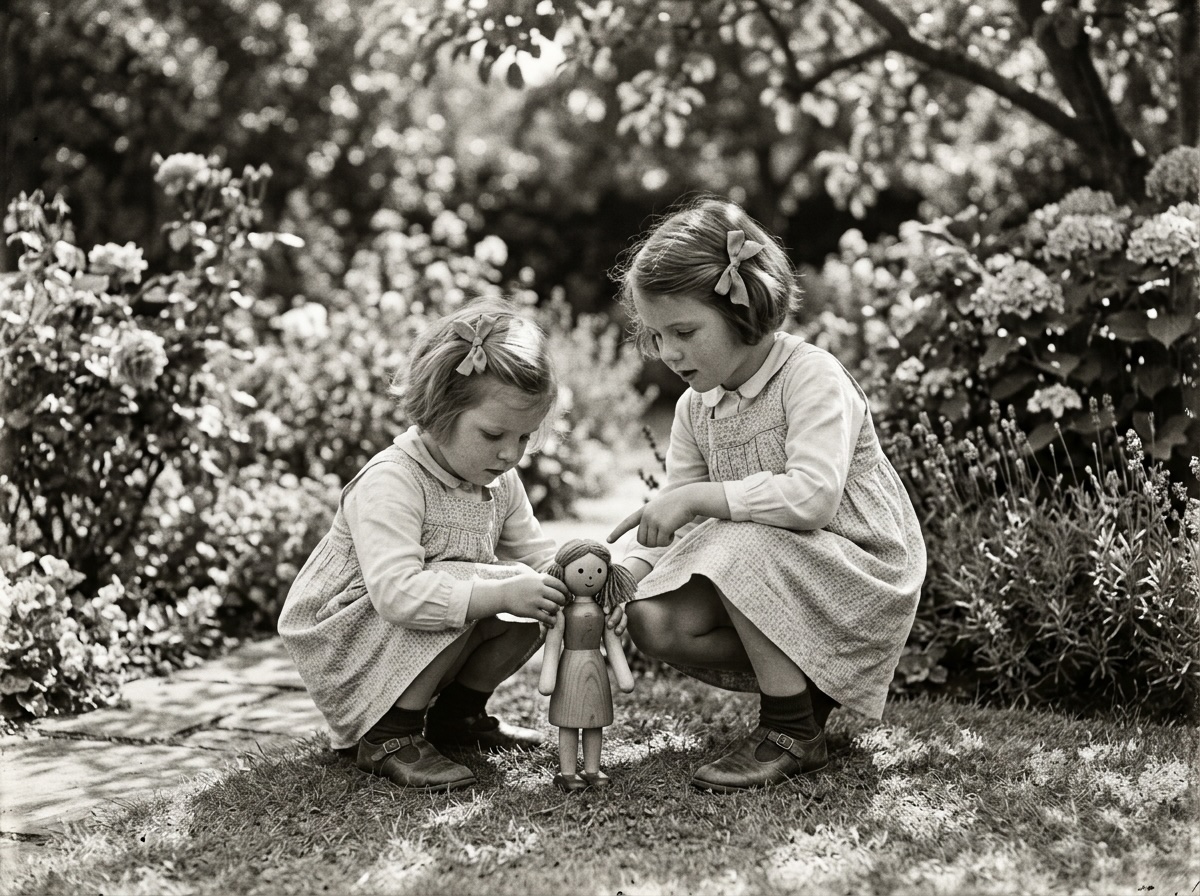
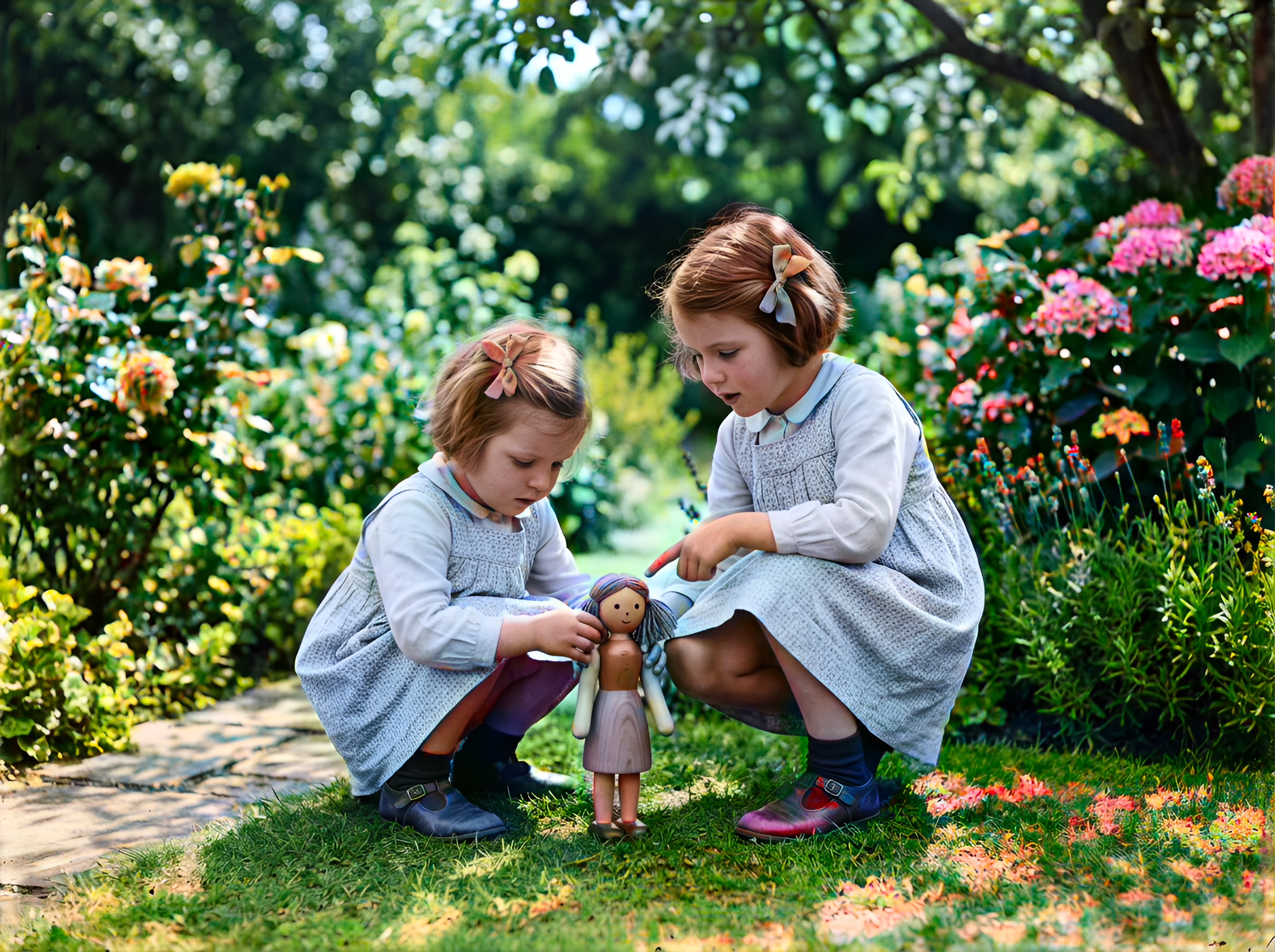
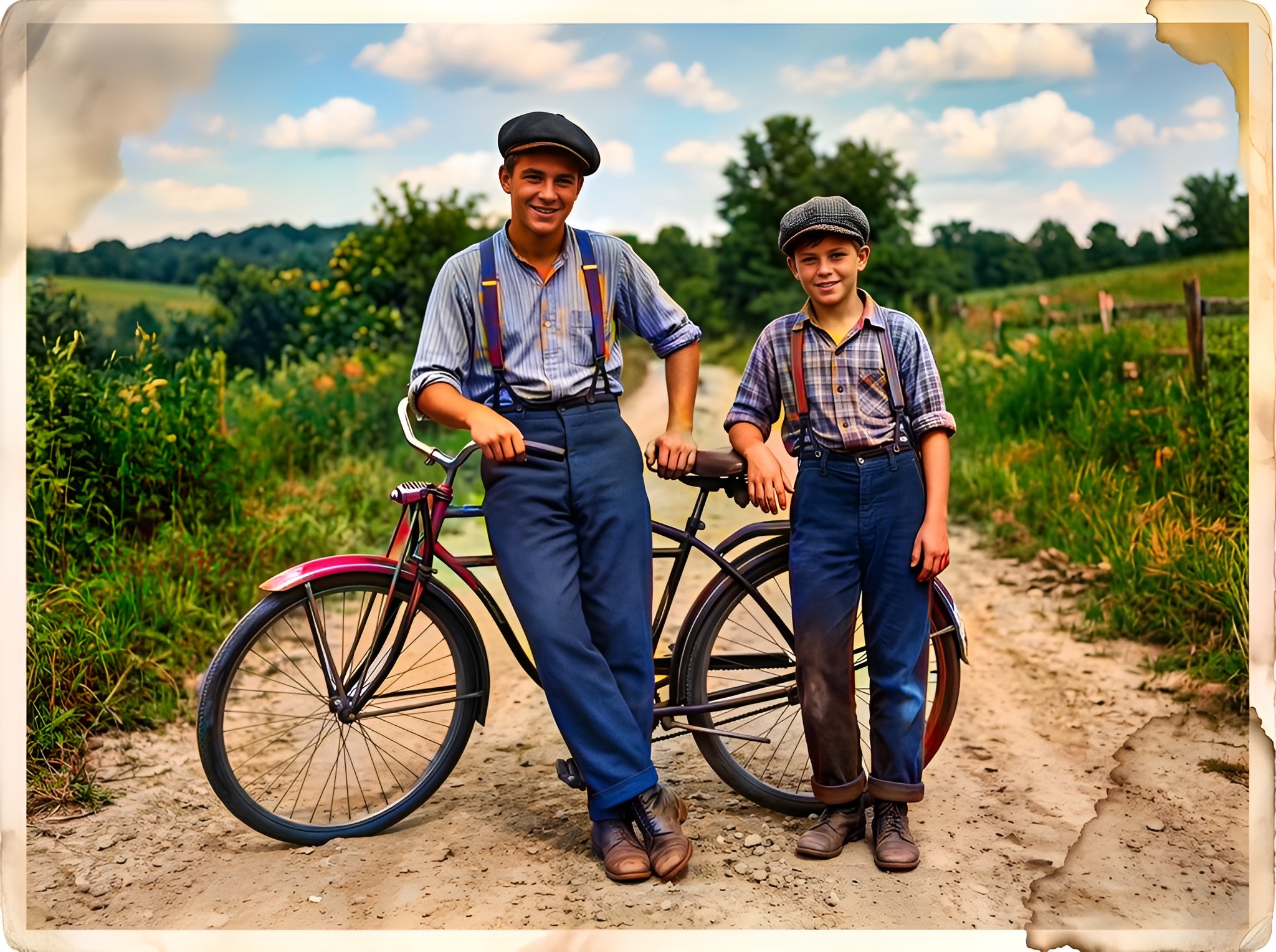
Extreme damage — mold blooms and corner loss before; after Smart Damage Repair and colorization with reconstructed garment edge.
Click any image to open full size in a new tab.
Setting expectations: the technology ceiling
| Damage level | AI viability | Recommended path |
|---|---|---|
| Surface mold spots | High | Smart Damage Repair (+1) |
| Water tide lines | Medium–High | Repair + contrast normalize |
| Emulsion torn 30% | Medium | Outpainting + manual QC |
| Face entirely gone | Low | Do not publish as "restored" |
| Fused album pages | None | Professional conservator |
Transparency builds trust. Label outputs "AI-assisted reconstruction, 2026" in family archives.
Generative outpainting: finishing the gesture
When a tear removes half a sleeve or background, generative outpainting analyzes surviving symmetry:
- Fabric weave direction on the intact shoulder
- Background bokeh pattern on the undamaged side
- Body posture implied by visible spine alignment
This shares DNA with Stable Diffusion inpainting and ControlNet structure preservation — but tuned for heirloom portraiture, not fantasy art.
Critical rule: outpainting completes context, not identity. Never reconstruct a missing face for legal identification purposes.
Fighting mold without melting the face
Mold reads as high-frequency white noise. Naive denoisers blur the face along with the spots — the plastic problem again.
Pixomax Smart Damage Repair (+1 credit) separates speckle noise from semantic skin regions before colorization. Water halos around eyes lose their false glow; lashes stay attached to lids, not to tide marks.
Then AI Clarity Boost (+2 credits) rebuilds detail only where luminance evidence still exists underneath.
Workflow for flood survivors
- Scan at 800 DPI if emulsion is stable; lower if flaking
- Upload PNG to Try Pixomax's professional-grade AI colorizer
- Enable Smart Damage Repair
- Colorize with Large model — inspect eyes at 100% zoom
- Add AI Clarity Boost if facial structure survived
- Archive B&W master + labeled derivative
Deep dive: restore damaged vintage photo prints.
Frequently asked questions
Can AI fix photos damaged by flood or basement water?
Moderate staining and mold — yes, with Smart Damage Repair. Lifted emulsion needs conservation first.
What is generative outpainting for torn photos?
Context-aware fill for missing regions — not identity reconstruction. See photo restoration glossary.
Will AI invent a face where emulsion is completely missing?
It may guess — do not use for identification. Keep the raw scan as master.
How do I enhance picture quality after mold removal?
Repair (+1) → colorize → Clarity Boost (+2). View Pixomax Studio pricing and credit plans.
Related guides
 Living Portraits: Bringing Still Memories to Life with Pixomax AI Motion
Turn restored stills into living portraits — AI old photo restoration meets motion synthesis to repair damaged photos, enhance picture quality, and animate a gentle smile for sharing.
 In the Age of AI, Who Owns Your Family Memories? Our Privacy 3.0 Manifest
AI old photo restoration without surrendering your archive — Pixomax Privacy 3.0 explains encryption, zero training retention, and why we never repair damaged photos to feed public models.
 Effortless Archiving: Batch Restoring Your Entire Family Album in Minutes
Batch AI old photo restoration for collectors and studios — repair damaged photos across hundreds of scans and enhance picture quality at 10 seconds per frame vs. 2 hours manual retouching.
Compare tools in our AI photo colorizer comparison table or browse the colorization glossary.