In the Age of AI, Who Owns Your Family Memories? Our Privacy 3.0 Manifest
AI old photo restoration without surrendering your archive — Pixomax Privacy 3.0 explains encryption, zero training retention, and why we never repair damaged photos to feed public models.
You would not hand a stranger the only photo of your mother in uniform. Yet every AI old photo restoration upload asks you to trust an invisible pipeline with the most irreplaceable files you own. In 2026, skepticism is rational — breaches make headlines weekly, and "free" tools often mean you are the product. Pixomax Studio Privacy 3.0 exists because repair damaged photos and enhance picture quality should never require surrendering your family's visual DNA to a public model farm. Your memories belong to you. Full stop.
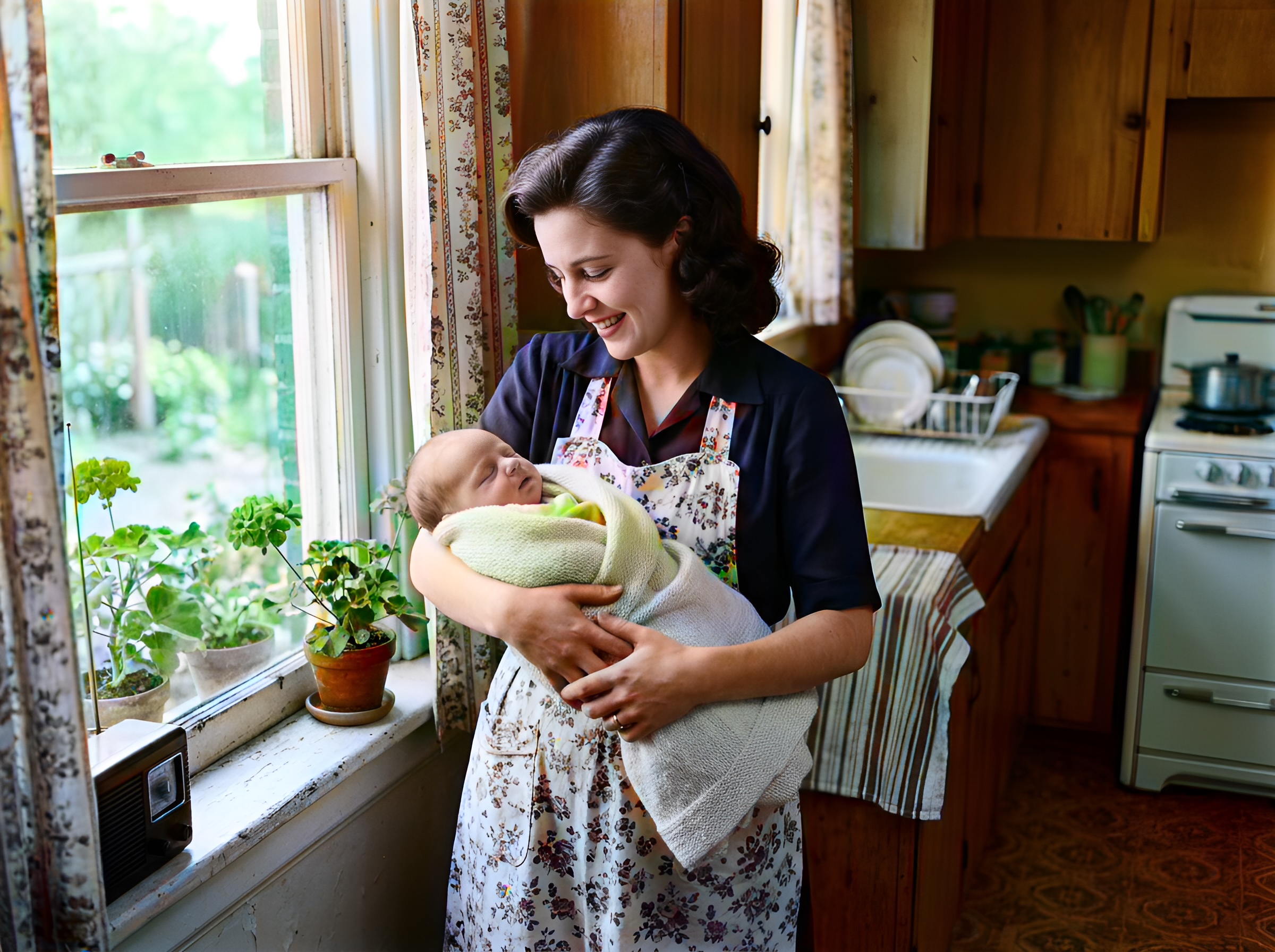 (opens in new tab)
Your archive, your lineage — processed for your eyes only, never harvested for public training sets.
Click the image to open full size in a new tab.
Privacy 3.0: three promises
1. Your photos do not train the world's AI
We do not feed your grandmother's wedding scan into a shared Stable Diffusion corpus. We do not resell likeness embeddings. Inference runs on isolated job queues; weights are pre-trained on licensed, non-customer data.
"We don't repair your history to rewrite someone else's model."
2. Encrypt in transit, delete on schedule
| Stage | Protection |
|---|---|
| Upload | TLS 1.3 end-to-end encrypted transit |
| Processing | Ephemeral container — no human review by default |
| Storage | Job window only; scheduled deletion post-export |
| Download | Signed URL; you control local copies |
3. You own every derivative
Colorized PNG, Smart Damage Repair output, AI Clarity Boost export — licensed to you for personal, commercial, and archive use per our terms. We claim no co-authorship on your family's face.
The data flow (what happens when you click Upload)
Your device → encrypted upload → isolated inference job
     ↓              ↓                    ↓
  B&W scan    TLS 1.3 tunnel      Large model + optional Repair/Clarity
     ↓              ↓                    ↓
  Local save  ← signed download ← job files deleted on schedule
No ad network pixels on the upload page. No "similar faces" suggestions mined from other users' albums.
Why privacy matters for damaged photos especially
Repair damaged photos uploads often include:
- Military ID-adjacent portraits
- Childhood medical milestone prints
- Documents visible in frame edges
These deserve more protection, not less. Privacy 3.0 treats a mold-spotted attic scan with the same custody chain as a corporate API contract.
Questions to ask any restoration vendor
Before you enhance picture quality anywhere, demand answers:
- Are uploads used for model training?
- What is the deletion SLA after processing?
- Who can access files internally?
- Is batch metadata shared with advertisers?
Pixomax publishes clear answers — View Pixomax Studio pricing and credit plans includes enterprise terms for archives and studios.
Frequently asked questions
Does Pixomax use my photos to train public AI models?
No — Privacy 3.0 prohibits customer imagery in shared training sets.
How long does Pixomax keep uploaded photos?
Job-window retention with scheduled post-processing deletion.
Is AI old photo restoration safe for sensitive military images?
Encrypted transit, no public training — review terms for your compliance needs. Military portrait guide.
Can I enhance picture quality without cloud upload?
Cloud pipeline for speed; enterprise API options for controlled deployments — contact Pixomax for archives.
Related guides
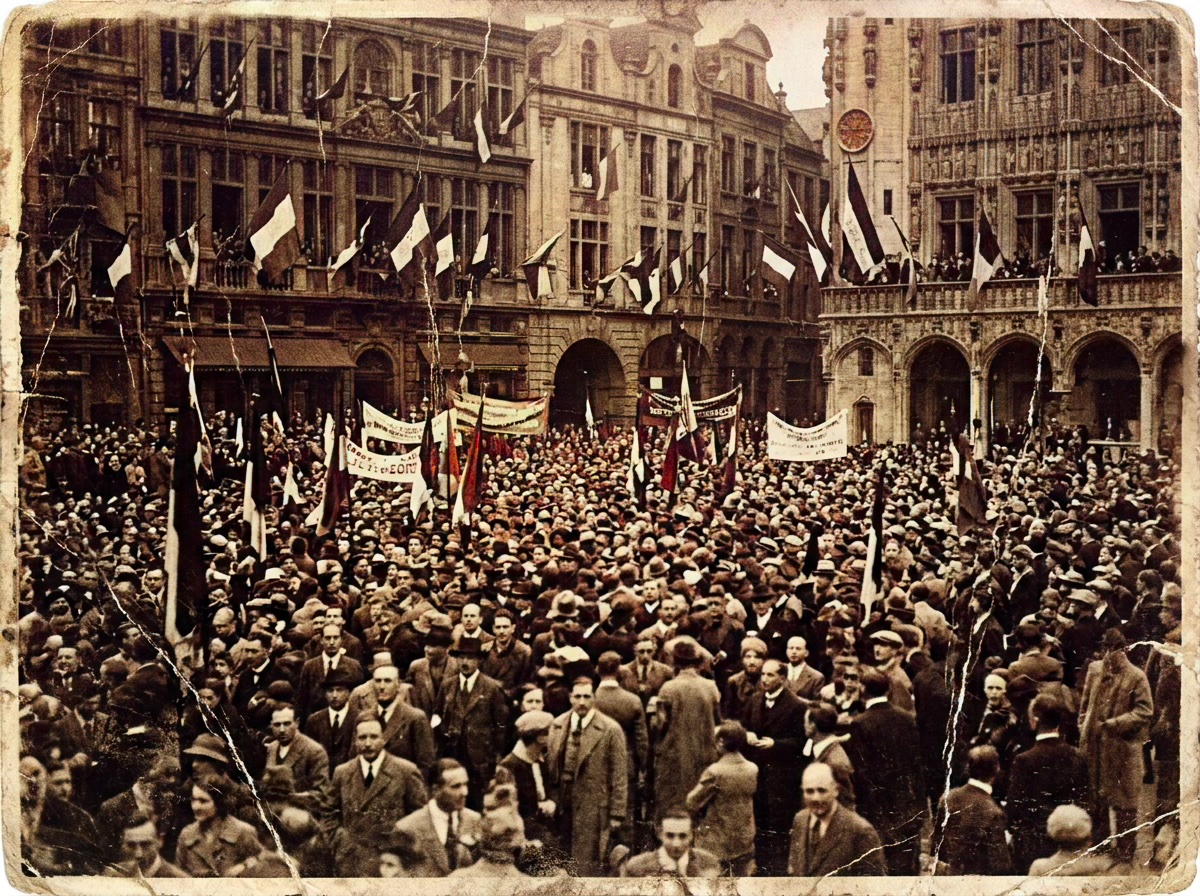 Living Portraits: Bringing Still Memories to Life with Pixomax AI Motion
Turn restored stills into living portraits — AI old photo restoration meets motion synthesis to repair damaged photos, enhance picture quality, and animate a gentle smile for sharing.
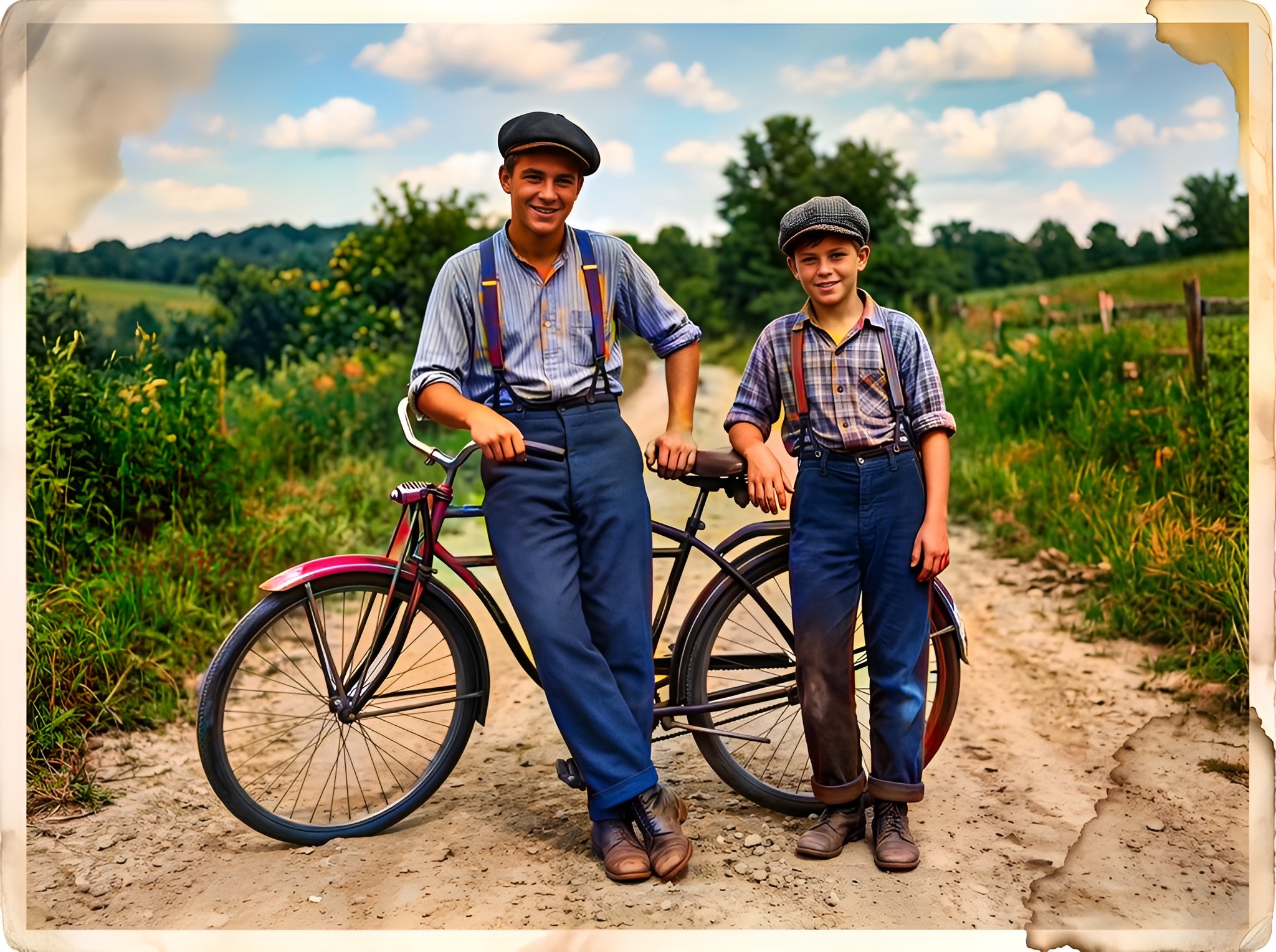 Effortless Archiving: Batch Restoring Your Entire Family Album in Minutes
Batch AI old photo restoration for collectors and studios — repair damaged photos across hundreds of scans and enhance picture quality at 10 seconds per frame vs. 2 hours manual retouching.
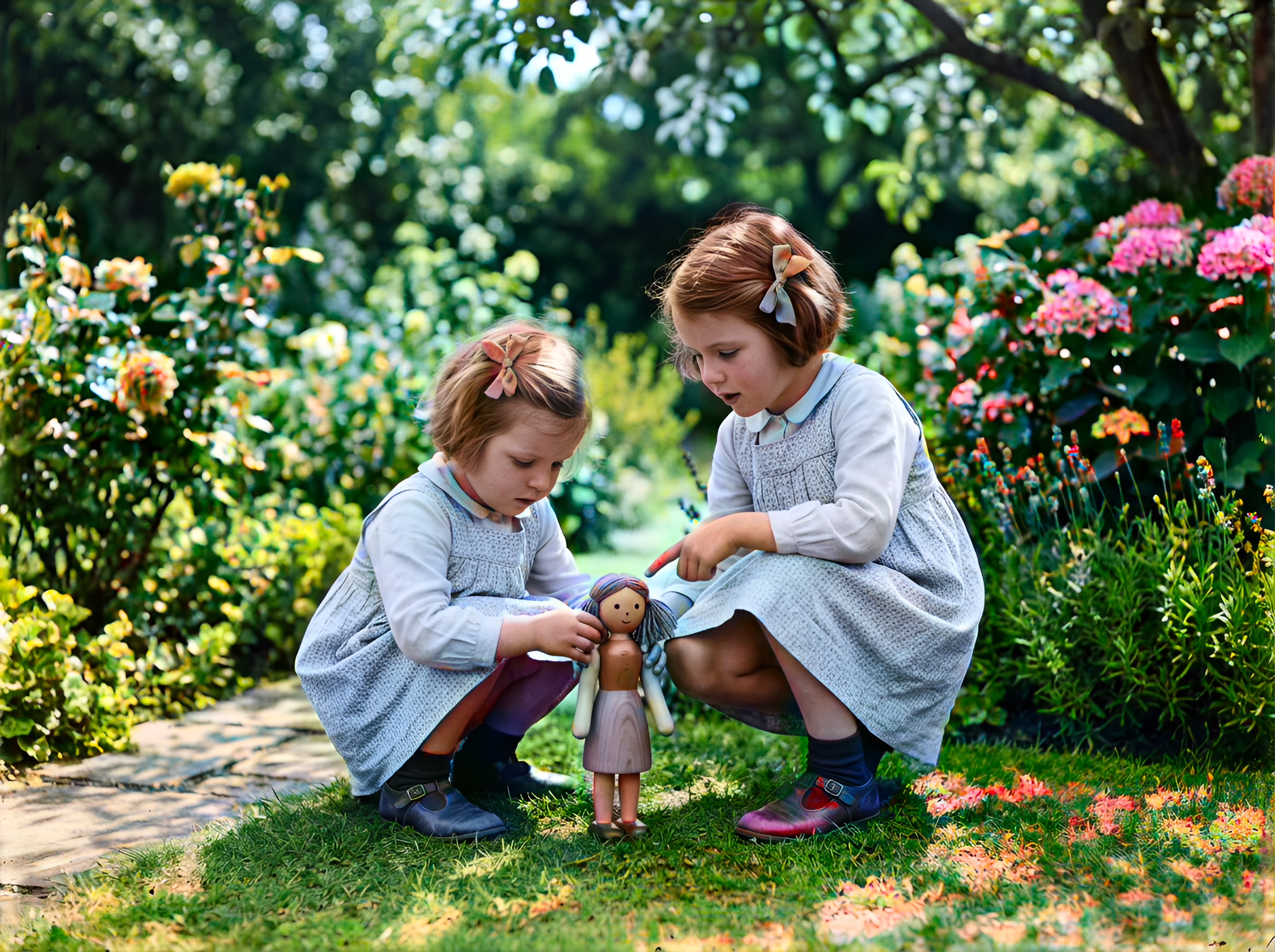 Mission Impossible: Can AI Fix Water-Damaged and Torn Photos?
Water stains, mold spots, and torn emulsion — extreme AI old photo restoration limits tested. Repair damaged photos with Pixomax Smart Damage Repair and enhance picture quality when half the face is gone.
Compare tools in our AI photo colorizer comparison table or browse the colorization glossary.