Colorize 1950s Beach Photos with AI: Childhood Summer Memories
Bring 1950s beach and childhood summer photos back to life with AI colorization — natural skin tones, ocean blues, and period swimwear colors.
 (opens in new tab)
 (opens in new tab)
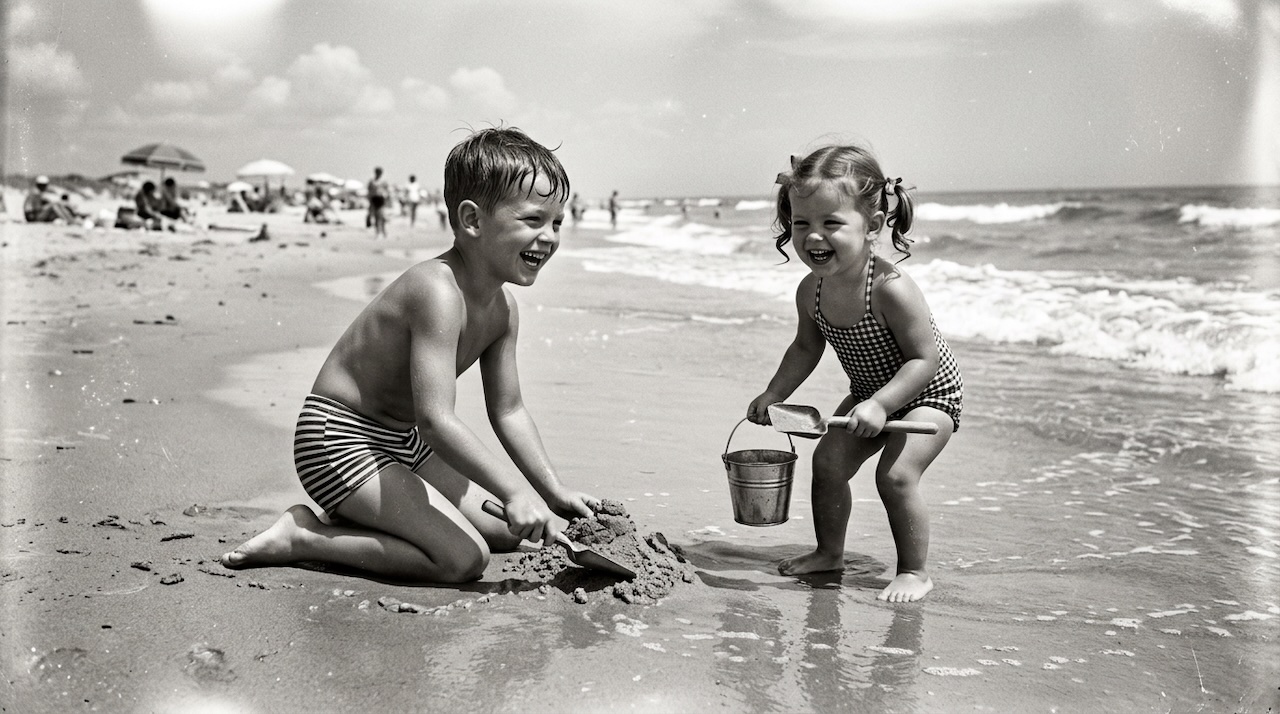
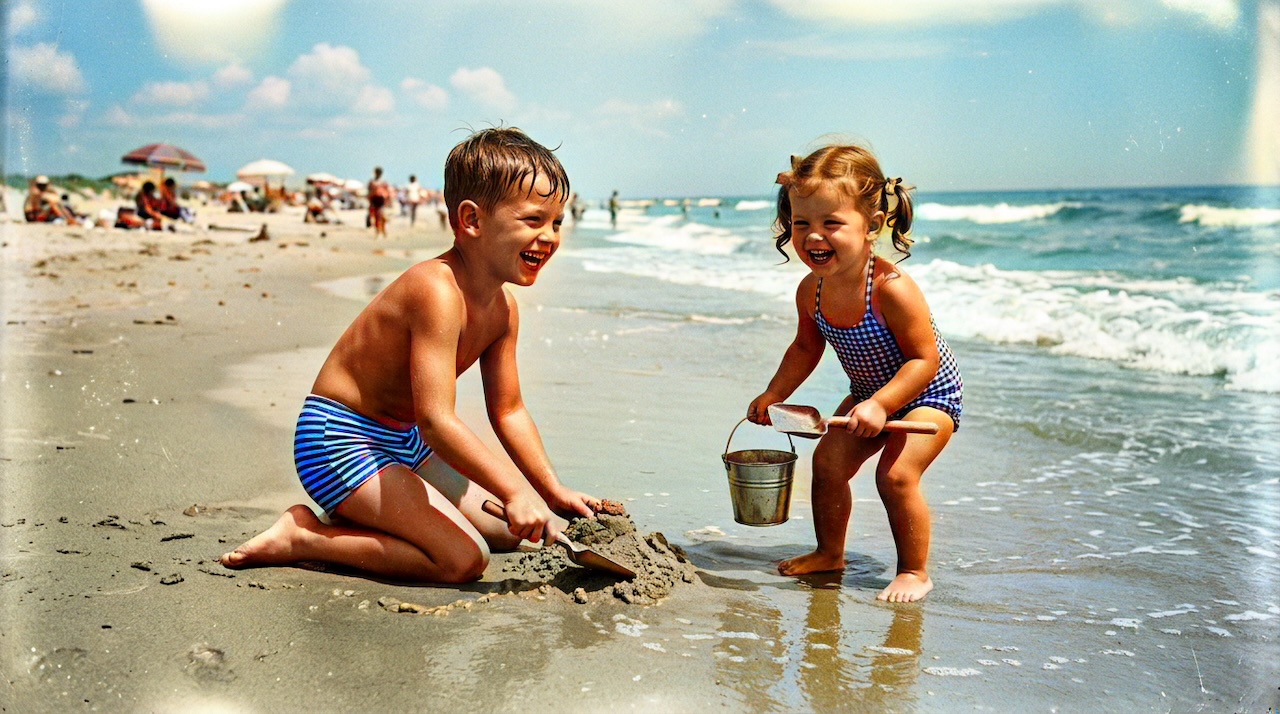
Pixomax Studio result — 1950s beach childhood. Colorize 1950s Beach Photos with AI: Childhood Summer Memories.
Click any image to open full size in a new tab.
1950s beach photos capture barefoot summers, striped swim trunks, and salt air — but black and white strips away the turquoise water and sun-warmed skin that made those days vivid. AI colorization restores childhood coastal memories with natural ocean blues and believable skin tones.
Try Pixomax's professional-grade AI colorizer on your sharpest summer scan today.
What makes beach photos challenging for AI
| Element | Colorization nuance |
|---|---|
| Ocean + sky | Must share coherent blue palette |
| Wet sand | Darker, reflective warm tones |
| Skin (children) | Soft, warm — avoid orange |
| Swimwear patterns | Stripes and gingham need edge clarity |
| Background crowd | Lower detail acceptable |
Models built on latent diffusion (LDM) and Replicate-hosted Stable Diffusion pipelines excel at sky-water coherence when the source scan retains highlight detail.
Recommended workflow
- Scan the original print at 600 DPI
- Crop borders; lightly adjust contrast if faded
- Upload to Pixomax Studio — Large model
- Verify ocean, sand, and skin in the before/after slider
- Export PNG alongside the B&W master
Compare tools on our AI photo colorizer comparison page.
Frequently asked questions
Can AI colorize old beach photos with accurate ocean colors?
Yes — Try Pixomax's professional-grade AI colorizer produces cohesive water, sand, and skin tones on coastal snapshots.
How do I colorize blurry vintage beach snapshots?
Scan at maximum resolution. Heavy motion blur limits detail; choose your sharpest frame from the album.
What is the best free AI colorizer for family beach photos?
colorize your first vintage photo free with Pixomax Studio with before/after preview before upgrading via View Pixomax Studio pricing and credit plans.
Will swimwear and skin tones look natural?
Use the Large model. Read our AI skin tone restoration guide for portrait QC tips.
Related guides
 Restore Damaged Vintage Photo Prints Before AI Colorization
Fix cracks, creases, and fading on damaged vintage prints before AI colorization — manual inpainting or Pixomax Smart Damage Repair (+1 credit) plus optional AI Clarity Boost (+2 credits) for 4K output.
- Best AI Photo Colorizer in 2026: Top Tools Ranked for Quality & Value
Compare the best AI photo colorizers in 2026 — Pixomax Studio, ImageColorizer, DeOldify, Palette.fm, and MyHeritage — ranked by skin tone accuracy, batch processing, and export quality.
- How to Colorize Old Photos with AI: A Complete Guide
Learn how to colorize black and white family photos using AI — from scanning vintage prints to downloading natural, lifelike color results with Pixomax Studio.
Compare tools in our AI photo colorizer comparison table or browse the colorization glossary.