The Grandma Project: How AI Helped a Family Rediscover Their Roots
A granddaughter restores her grandmother's only military portrait with AI old photo restoration — repair damaged photos and enhance picture quality without risking the fragile original.
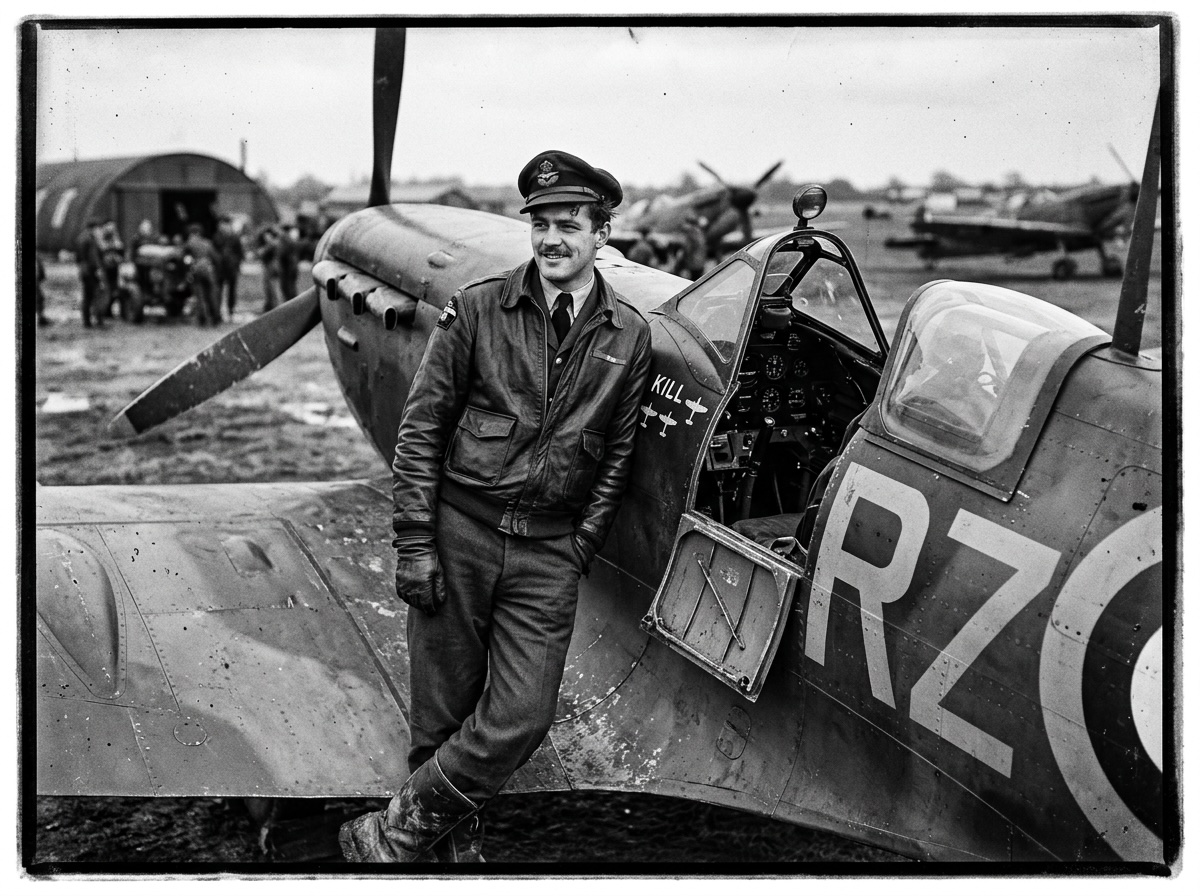
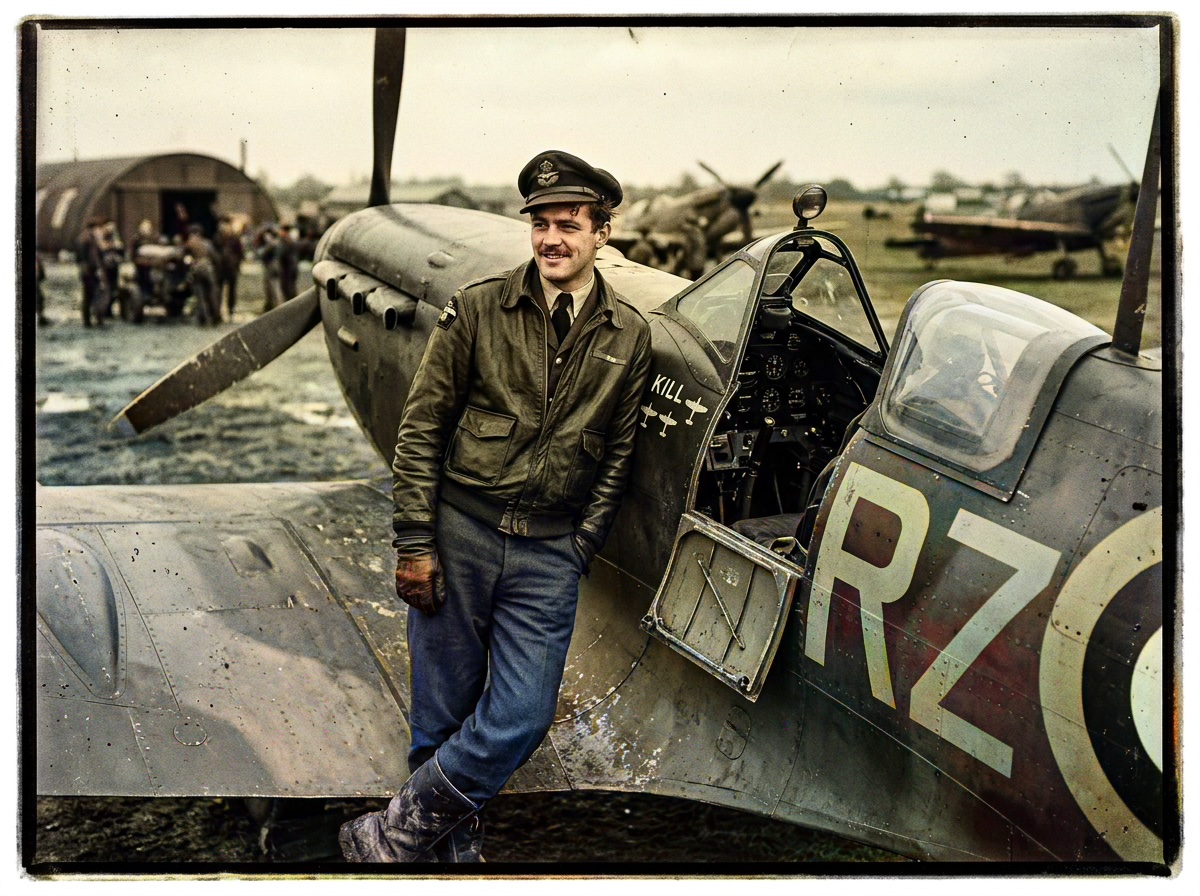
The envelope had no postmark — just a surname written in pencil and the words "Before she shipped out." Inside was the only surviving portrait of Elena Morales in uniform: corners dog-eared, sepia bleeding into the margins, a crease running through her left shoulder where someone had folded it into a Bible forty years ago. AI old photo restoration was never about filters for Maria, Elena's granddaughter. It was about repair damaged photos that carried the weight of a family's silence — and enhance picture quality enough that Elena's eyes could finally meet her great-grandchildren's across a century of stories half-remembered.
 (opens in new tab)
 (opens in new tab)
Elena's portrait before and after Pixomax — torn corners softened, uniform color restored, face returned from the fade.
Click any image to open full size in a new tab.
The photo as family letter
Long before email, photographs were letters without words. A military portrait said: I was here. I served. Remember me when I cannot tell you myself.
Maria's mother had described Elena's enlistment photo a hundred times — the stiff collar, the pride in her jaw — but the print itself lived in a drawer, too fragile to pass around at reunions. Digitizing felt like betrayal until Maria learned that repair damaged photos on a scan protects the original by reducing handling.
That shift — from fear to stewardship — is the heart of the Grandma Project.
Why scanning beats re-handling the original
| Risk | Physical album | Digital workflow |
|---|---|---|
| Corner tears widen | Every flip | Scan once at 600+ DPI |
| Oils from fingers | Cumulative | Handle scan file only |
| Color guesswork | N/A | Pixomax Large model |
| Sharing with cousins | Mail the original | Share PNG securely |
Read how to restore family photos for free for pre-scan basics, then upload the master to Try Pixomax's professional-grade AI colorizer.
Restoring the uniform without rewriting history
Maria enabled Smart Damage Repair (+1 credit) for the crease and corner wear — not to invent detail, but to let the model read Elena's face instead of the fold line. AI Clarity Boost (+2 credits) brought back the weave of wool and the glint in her eyes.
The goal was never Instagram perfection. It was enhance picture quality so the portrait could hang in the hallway next to Maria's wedding photo — two generations, same wall, same love.
 (opens in new tab)
 (opens in new tab)
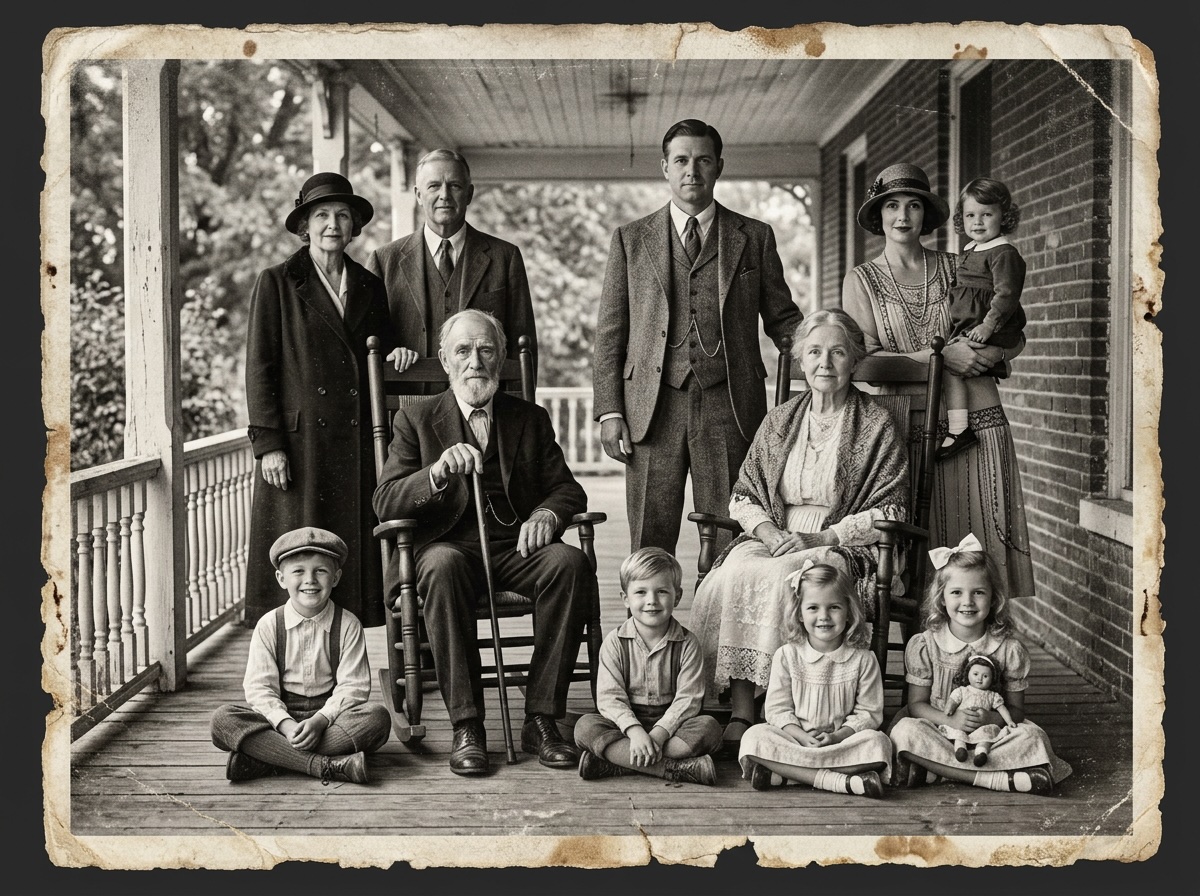
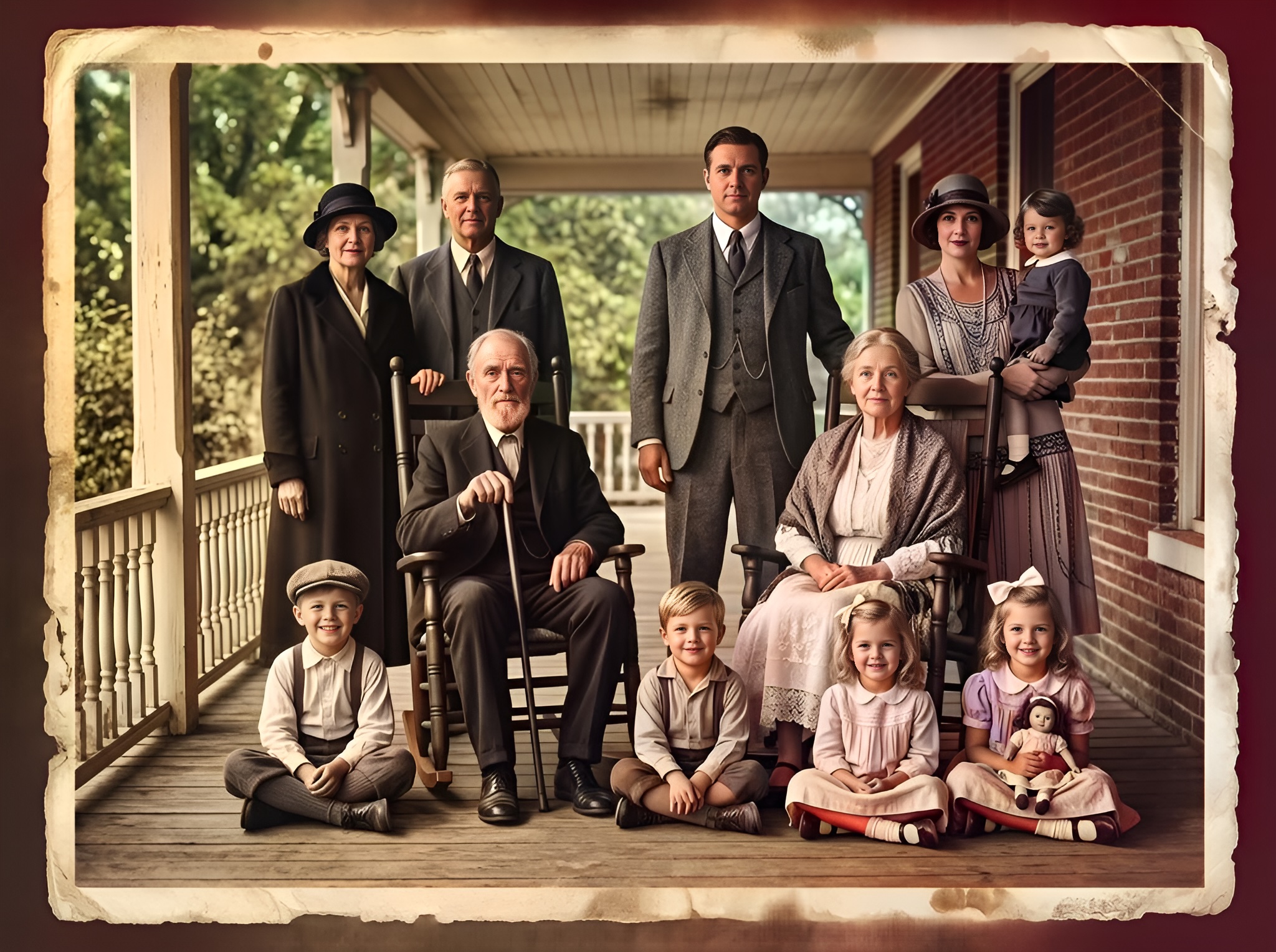
The Morales family tree album — g-series scan restored for the reunion slideshow.
Click any image to open full size in a new tab.
Passing the story forward
At the reunion, Maria projected Elena's portrait beside a colorized g-series group photo from the same era. Cousins who had only heard the name Abuela Elena finally saw her. A twelve-year-old asked to join JROTC the following semester.
That is what AI old photo restoration earns when it respects the original: not a novelty, but a bridge.
Explore genealogy family portrait colorization and Pixomax Studio batch processing for historical archives for full-album projects.
Frequently asked questions
Is it safe to scan fragile military portraits for AI restoration?
Scan once at high DPI; restore the digital copy. Keep the print archived flat, away from light.
Can AI restore torn corners on old military photos?
Smart Damage Repair (+1 credit) handles moderate edge wear. Missing emulsion needs inpainting first.
Why are military portraits emotionally important for genealogy?
They anchor service stories that documents alone cannot show. Military portrait guide.
How do I enhance picture quality on a single heirloom scan?
Large model + Smart Damage Repair + AI Clarity Boost — see View Pixomax Studio pricing and credit plans.
Related guides
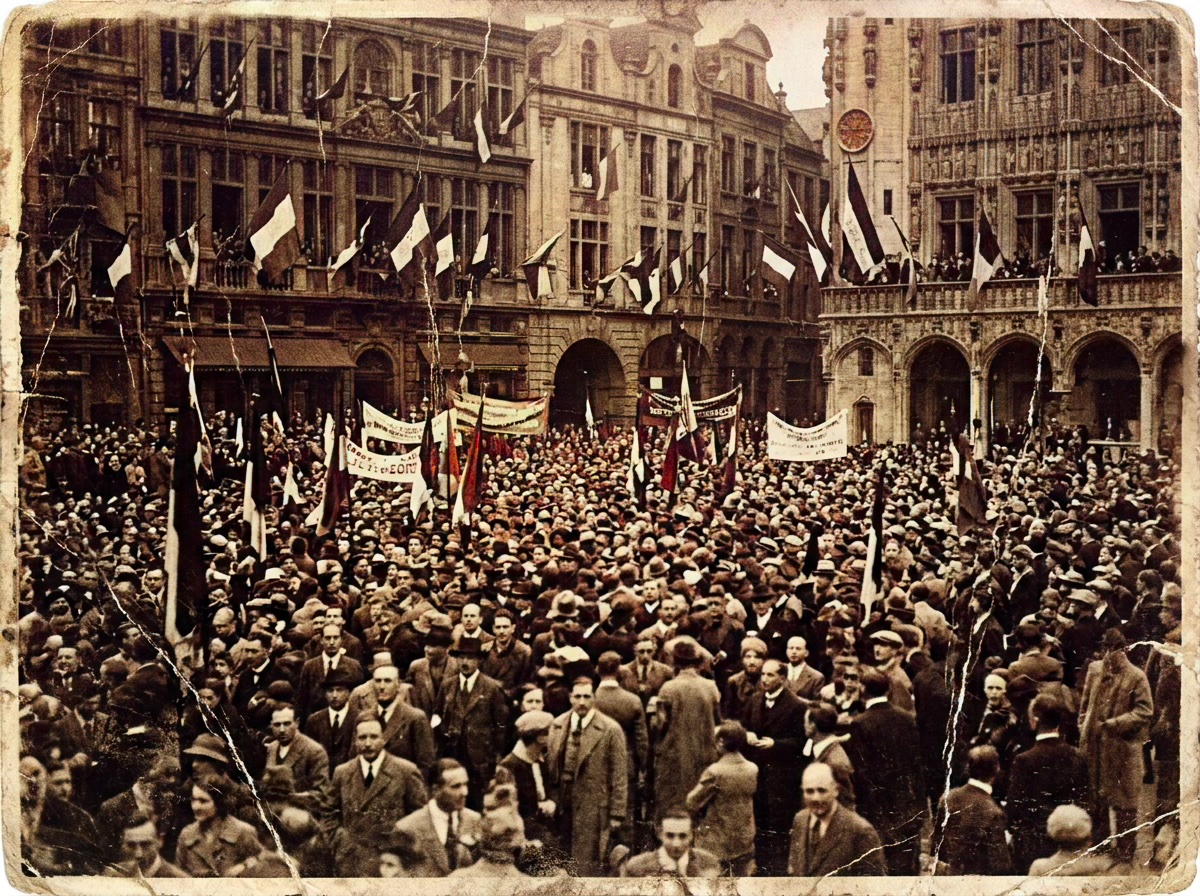 Living Portraits: Bringing Still Memories to Life with Pixomax AI Motion
Turn restored stills into living portraits — AI old photo restoration meets motion synthesis to repair damaged photos, enhance picture quality, and animate a gentle smile for sharing.
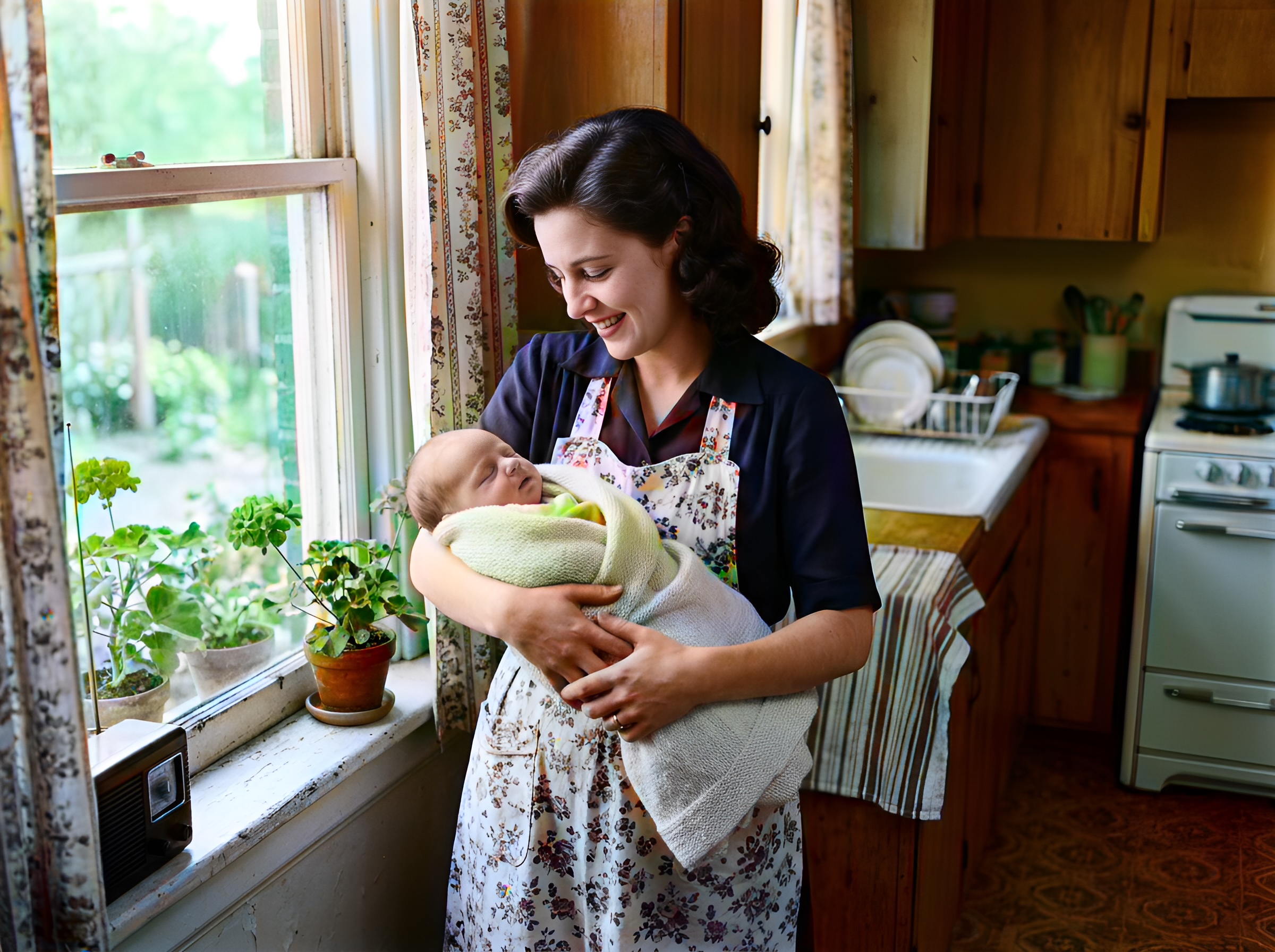 In the Age of AI, Who Owns Your Family Memories? Our Privacy 3.0 Manifest
AI old photo restoration without surrendering your archive — Pixomax Privacy 3.0 explains encryption, zero training retention, and why we never repair damaged photos to feed public models.
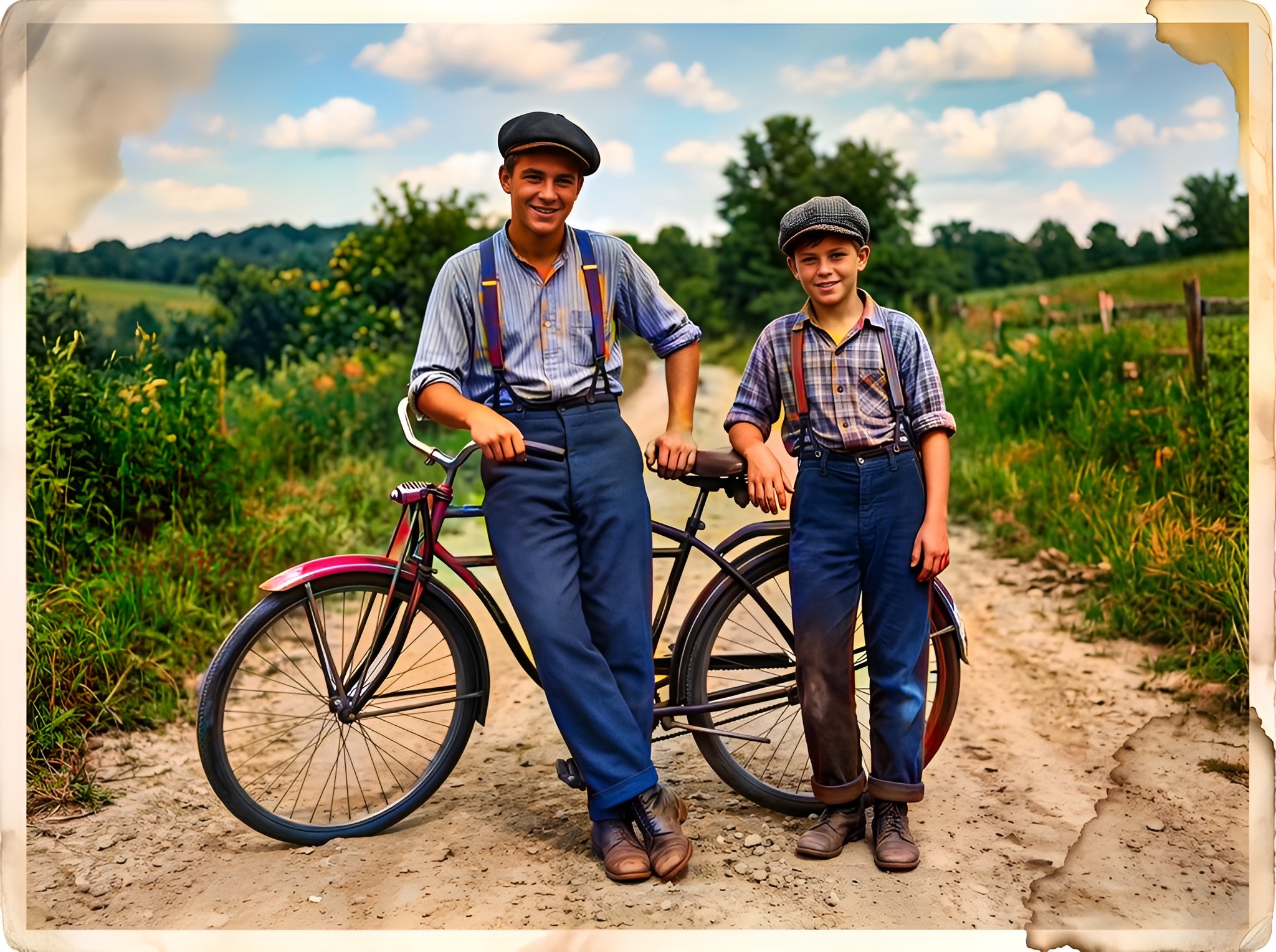 Effortless Archiving: Batch Restoring Your Entire Family Album in Minutes
Batch AI old photo restoration for collectors and studios — repair damaged photos across hundreds of scans and enhance picture quality at 10 seconds per frame vs. 2 hours manual retouching.
Compare tools in our AI photo colorizer comparison table or browse the colorization glossary.